Digital Signage.
Perfected.

The fanless 24/7 workhorse for your business. Uncompromising hardware, open Android 14, and no hidden subscription fees.
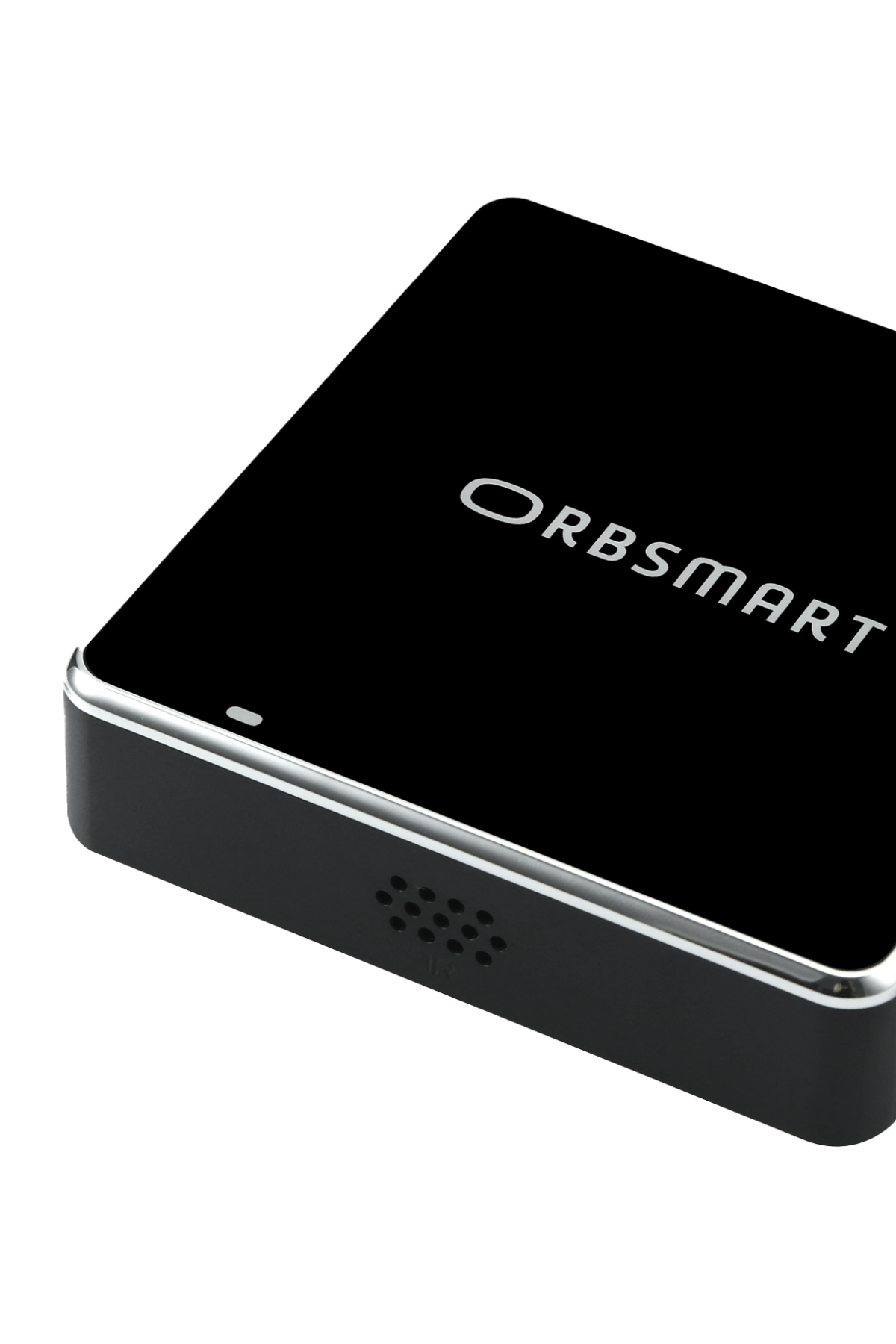
Orbsmart DS Player - Digital Signage Mini PC
24/7 Continuous Operation
Local German Support
B2B Project Conditions
No Subscription Fees

Less Maintenance.
More Performance.

Forget expensive and inflexible standard solutions. Orbsmart offers professional performance with full cost control.

Native App Autostart

Launch your digital signage app right at boot – fully natively integrated, without the need for paid third-party kiosk apps.

Open System

Unrestricted Android 14. Use exactly the CMS software that perfectly fits your business and workflows.

Deep Integration

Factory root access, USB debugging, and HID touchscreen support for modern, interactive kiosk systems.

White-Label Branding

For larger quantities, we customize the boot logo, software, and casing to exactly match your corporate identity.
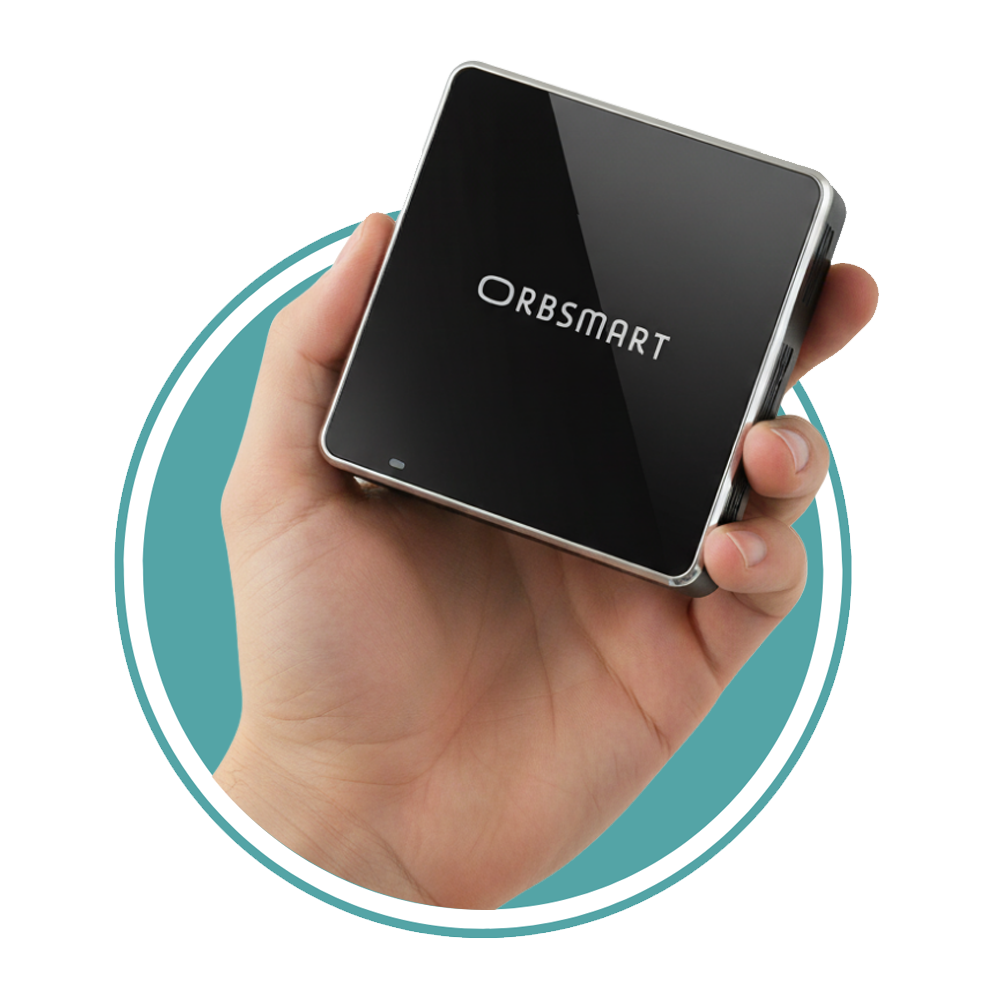
Orbsmart DS Player Hardware Details

The perfect hardware for your software.

Meet the core of our solutions: The Orbsmart DS Player. Extreme compact design, fanless, and ready for the most demanding 4K HDR content in continuous operation.

  • Stable Networks (Gigabit LAN & WiFi 6)
  • Portrait & Landscape Mode
  • Auto-Boot on Power Loss
  • Featherlight (110g) for easy, invisible mounting
View all product details

One Hardware. All Industries.

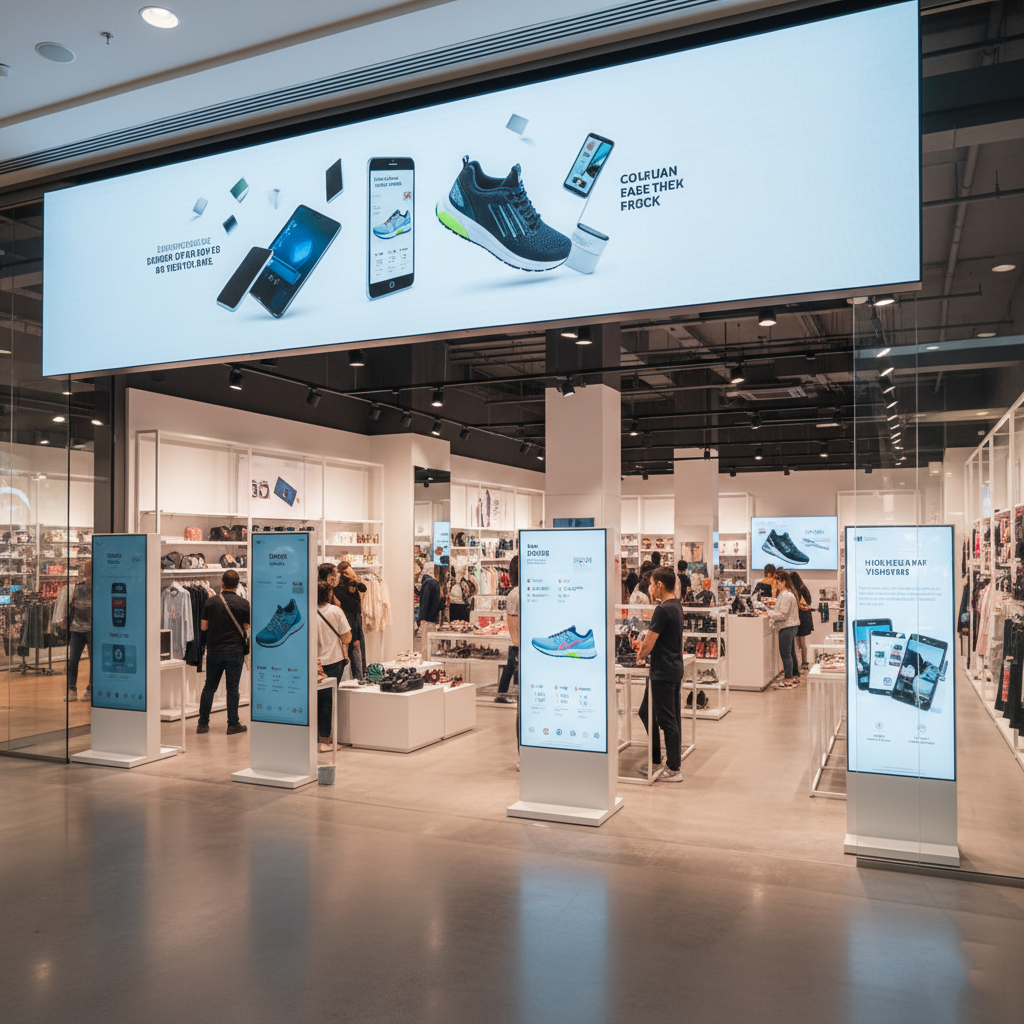
Retail Shop with Digital Signage Player

Retail & Shops

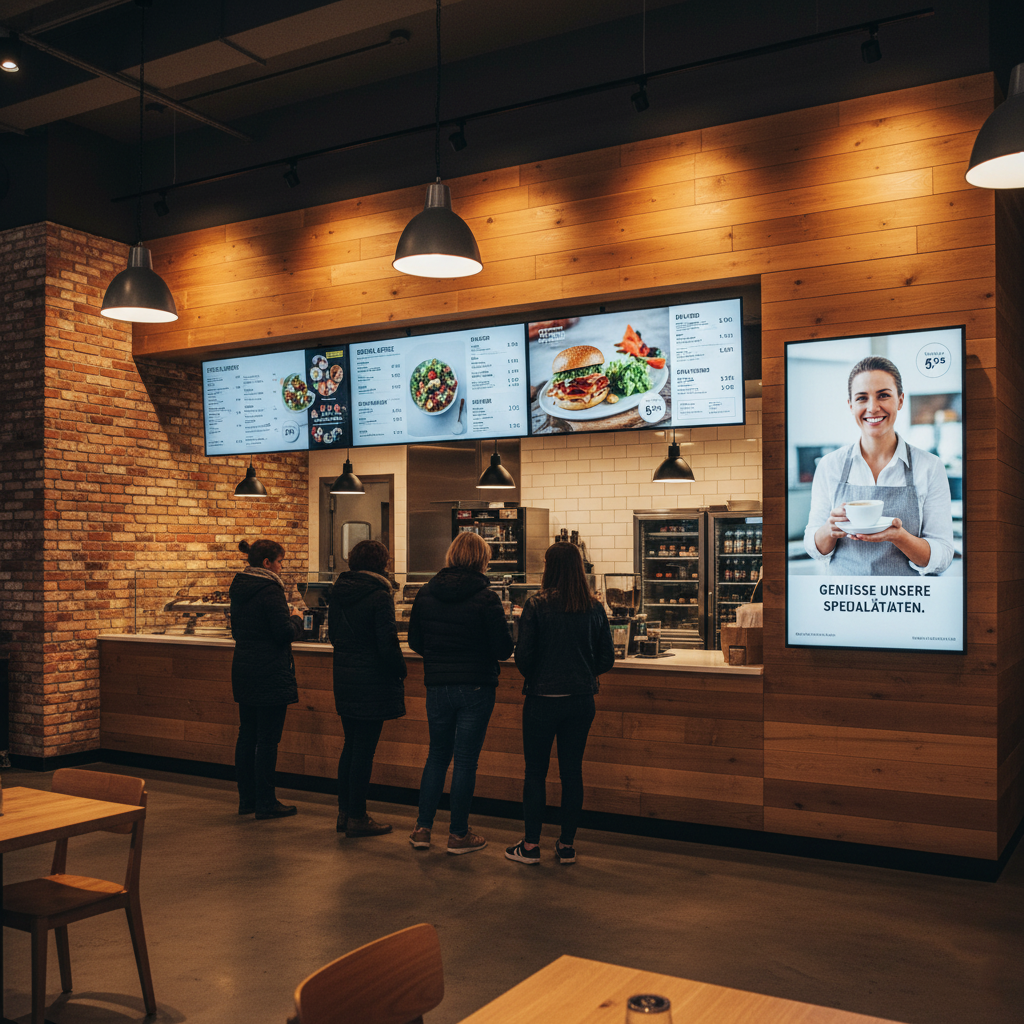
Hospitality Menu Board Digital Signage System

Hospitality & Hotels

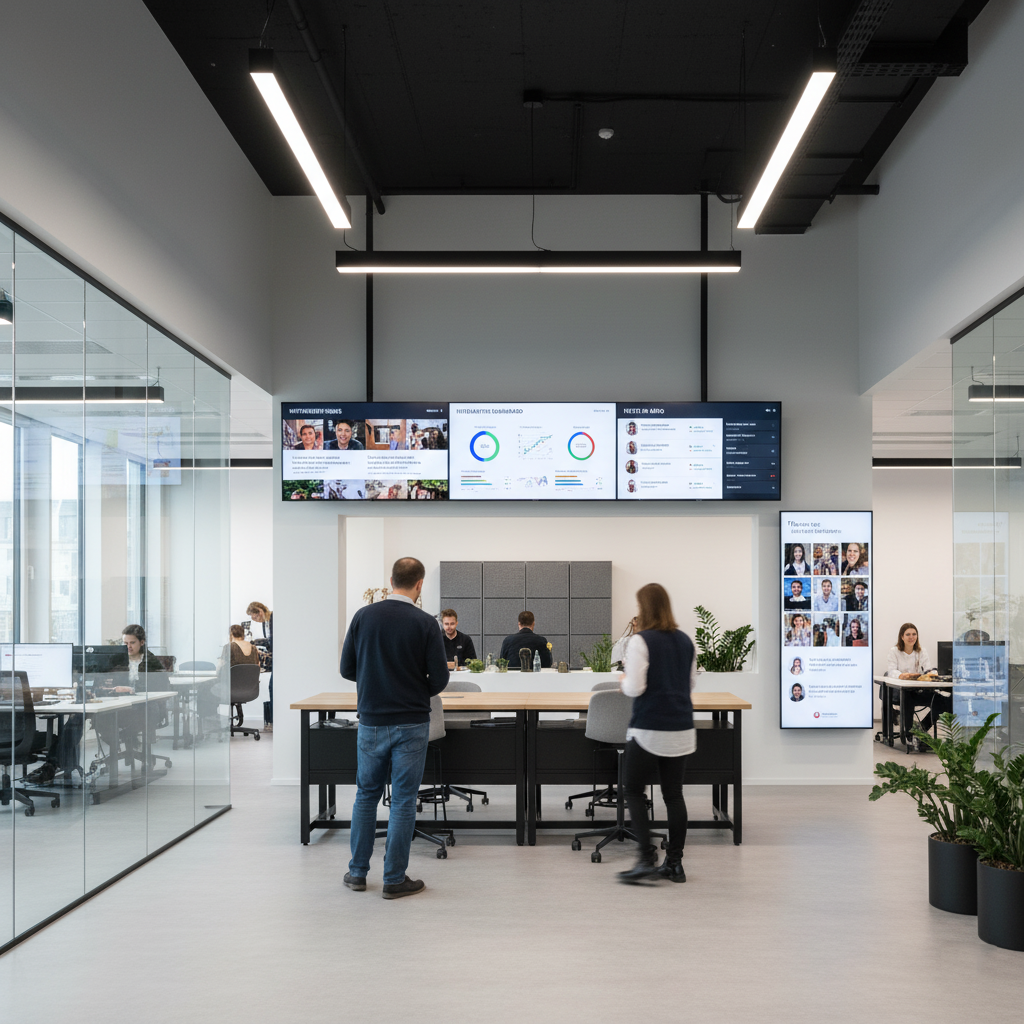
Corporate Information Display

Corporate & Office

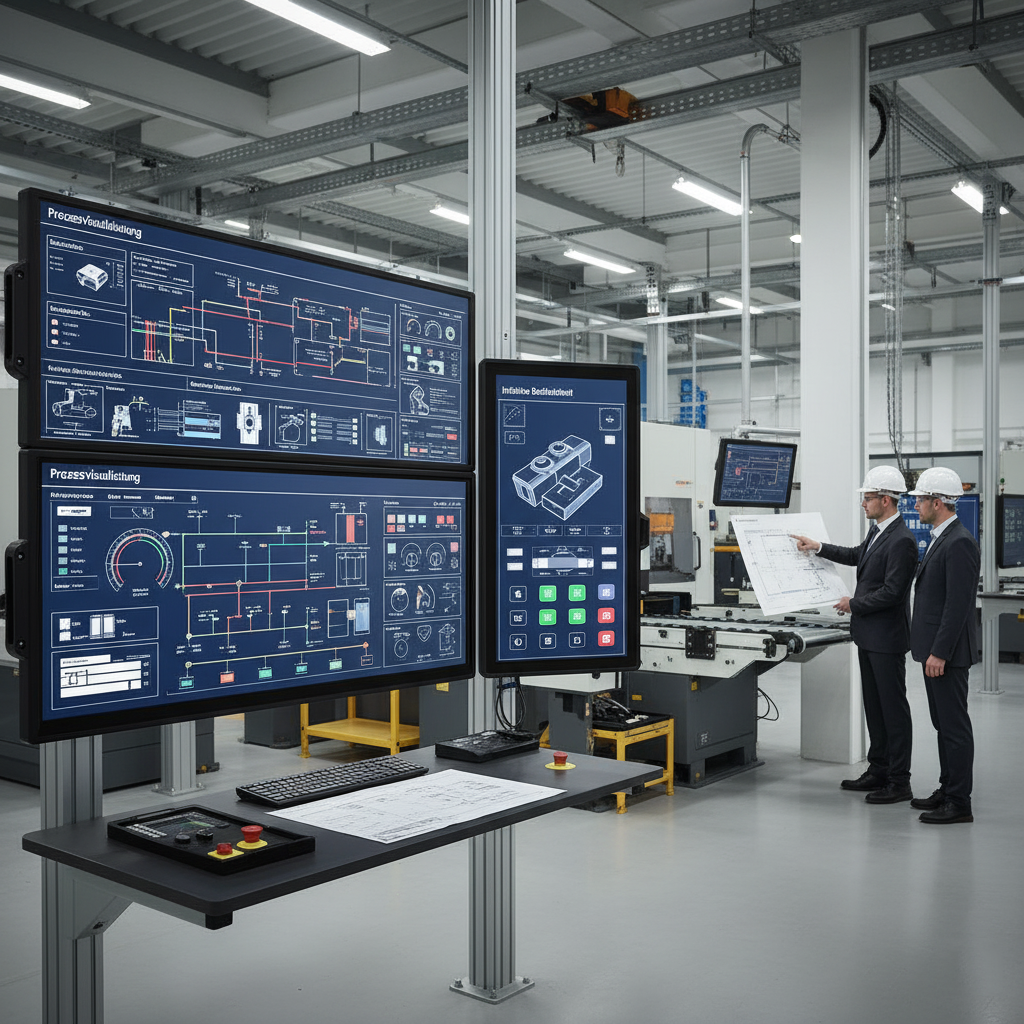
Industrial Process Visualization

Industry & Manufacturing

Frequently Asked Questions

Can I use my own digital signage software?
Yes, absolutely! The system is based on an open Android 14. You can install almost any Android-compatible digital signage software or CMS, allowing seamless integration into your existing workflows.
Do I need an extra app to auto-start my presentation?
No. Our system supports native app autostart directly within the Android 14 settings. As soon as the player receives power, it boots up and automatically opens your desired app in full screen.
How can I manage the players remotely (MDM)?
The DS Player integrates seamlessly into professional digital signage networks. Thanks to the open Android system and deep system access (factory root rights), you can use compatible MDM solutions and CMS platforms to centrally manage your content and updates remotely.
What customizations are available for B2B projects?
For larger orders, we perfectly adapt the player to your branding. This includes custom boot logos, pre-installed software images, casing prints, and customized packaging.

Ready for your project?

Whether you need one player for testing or are planning a rollout for hundreds of branches – we are your reliable partner in Germany.

Click to access the login or register cheese