

NANO
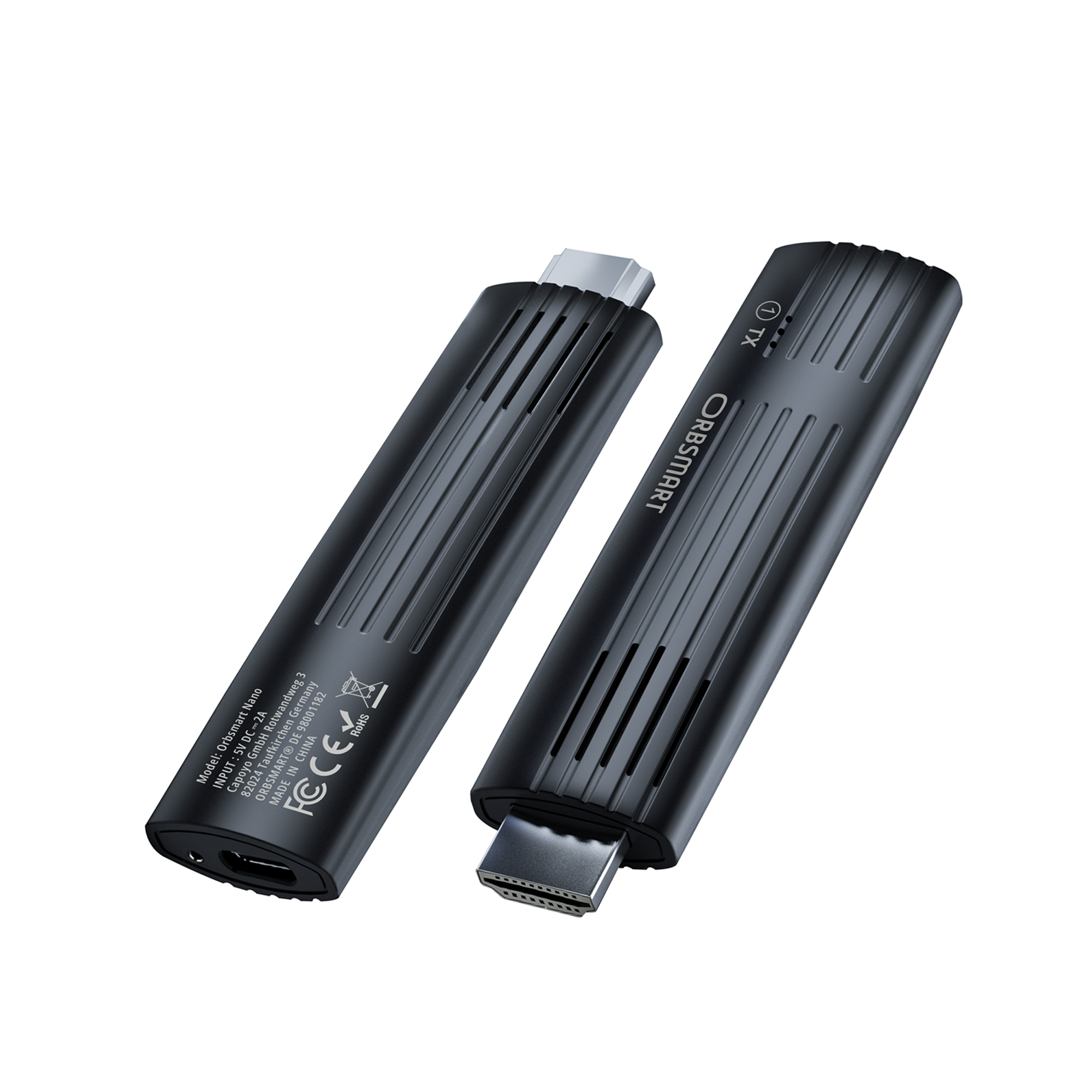
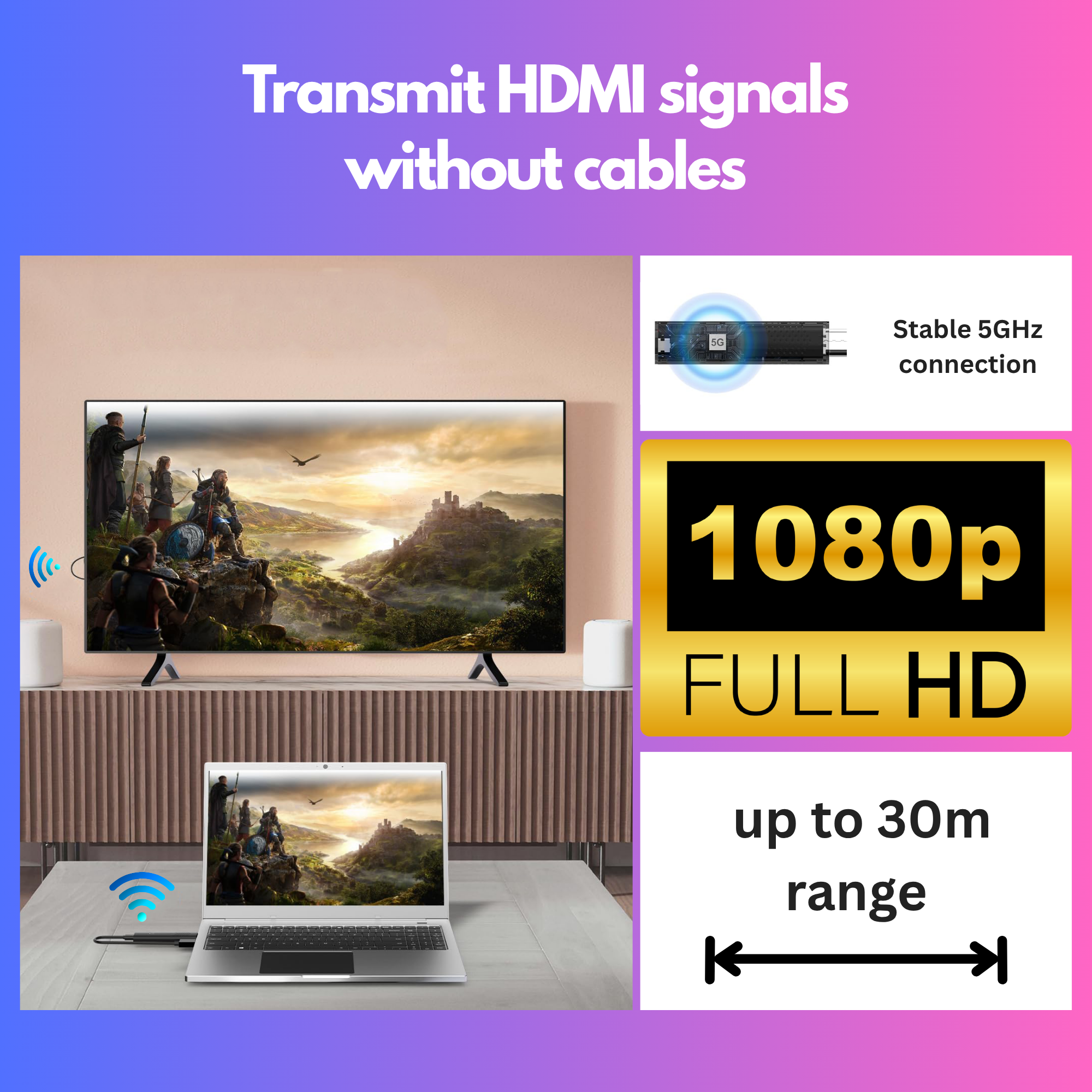
The Orbsmart Nano transmits your HDMI signal in brilliant 1080p quality completely wirelessly to a TV, monitor, or projector. Place your laptop, receiver, or console wherever you want and enjoy a clean look without cable clutter.
Buy in the official shopHighlights at a glance

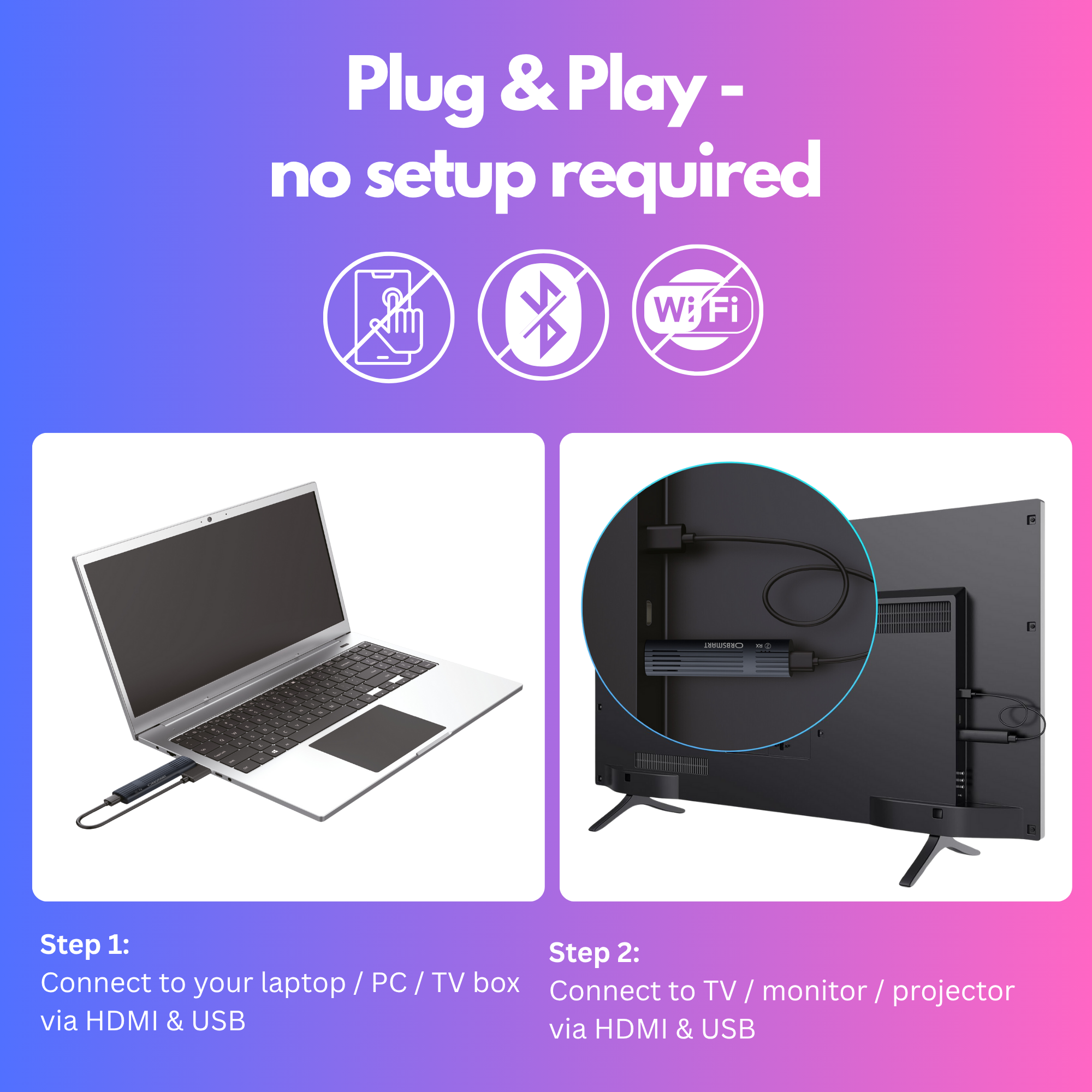
100% Plug & Play
No drivers, no app, no WiFi password. Plug in, connect power, and the picture is transmitted immediately.
Stable 5GHz Technology
The transmission uses its own closed 5GHz network for smooth 1080p quality without dropouts.

30 Meters Range
Easily bridge distances across the room. Ideal for ceiling projectors or large meeting rooms.
Wireless freedom without cable clutter
Say goodbye to unsightly HDMI cables lying across the room or expensive in-wall wiring. The Orbsmart Nano solves your cable problem instantly, ensuring a clean, invisible installation and a modern look in any room.

100% Plug & Play (No setup required)
You don't have to be a tech expert. Simply plug in the transmitter and receiver and get started immediately. The system requires no software installation, no drivers, no app, and no WiFi password. The connection is established fully automatically within seconds.

Stable & smooth 5GHz transmission
Rely on smooth video and audio playback. Thanks to modern and interference-free 5GHz technology, the signal is transmitted extremely stably. Enjoy crystal-clear Full HD resolution (1080p at 60Hz) with perfectly synced audio – without any noticeable delays.
Up to 30 meters range
Easily bridge large distances. With a range of up to 30 meters (line of sight), the set is not only suitable for the living room, but also perfect for large conference rooms, classrooms, or lecture halls.

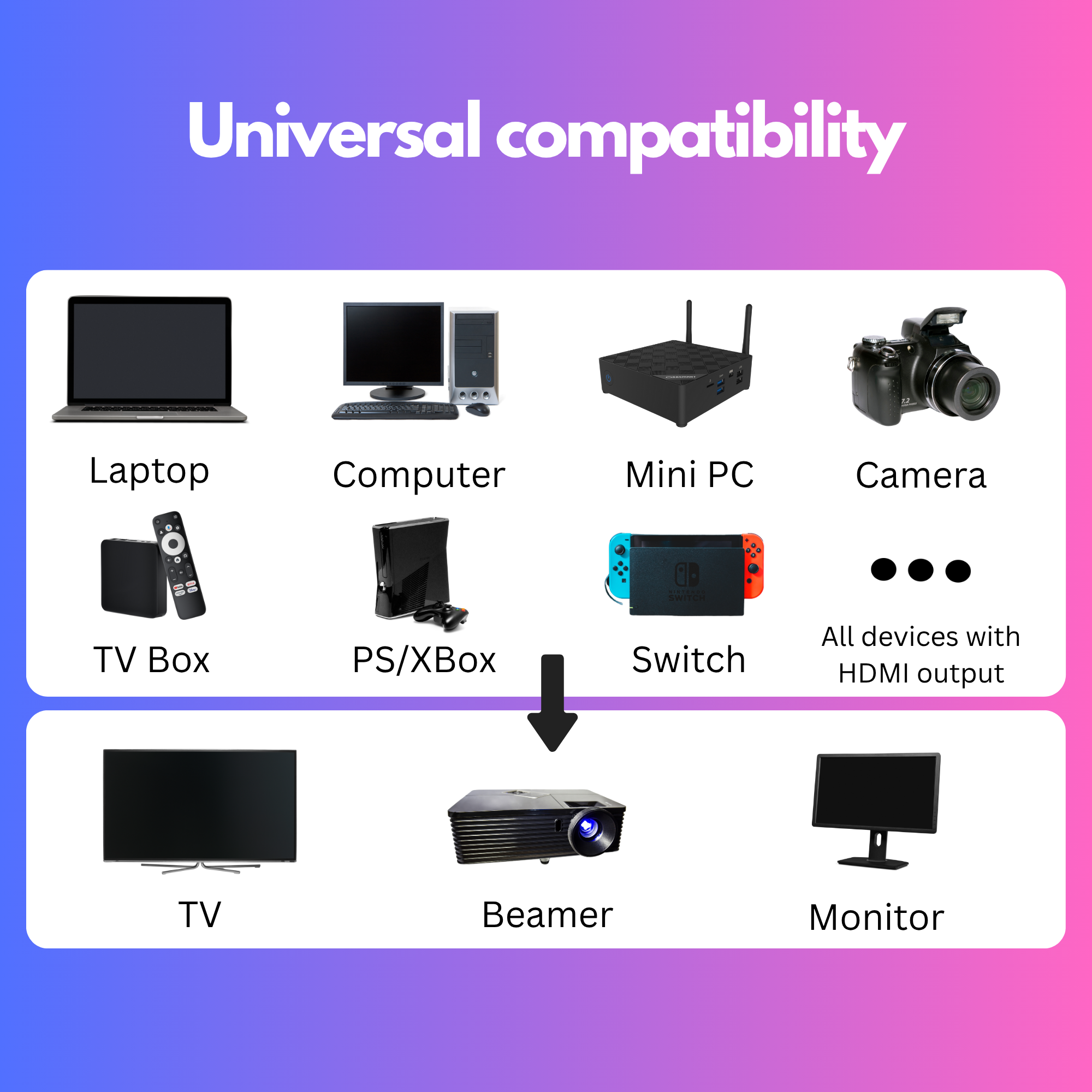
Universal compatibility
One system for all your devices. The HDMI extender works cross-platform with almost any HDMI source: Whether Windows laptop, MacBook, Mini PC, camera, Blu-Ray player, or TV receiver – the Orbsmart Nano is ready for immediate use.

Invisible USB power supply
No bulky power supplies at the socket! The compact and extremely lightweight set (only 60 grams) is conveniently powered directly via the USB port of your TV, projector, or laptop.

Technical Specifications
Buyer's Guide & Pre-Sales Questions
Do I need an app, WiFi password, or similar for setup?
Can I power the sticks directly via the USB port of the TV or laptop?
What is the actual range?
Is the Nano set also suitable for gaming?
Which devices is the transmitter suitable for?
Troubleshooting & Knowledge Base
Help with connection issues. Solutions directly from our technicians.
The TV shows "No Signal" or the screen remains black
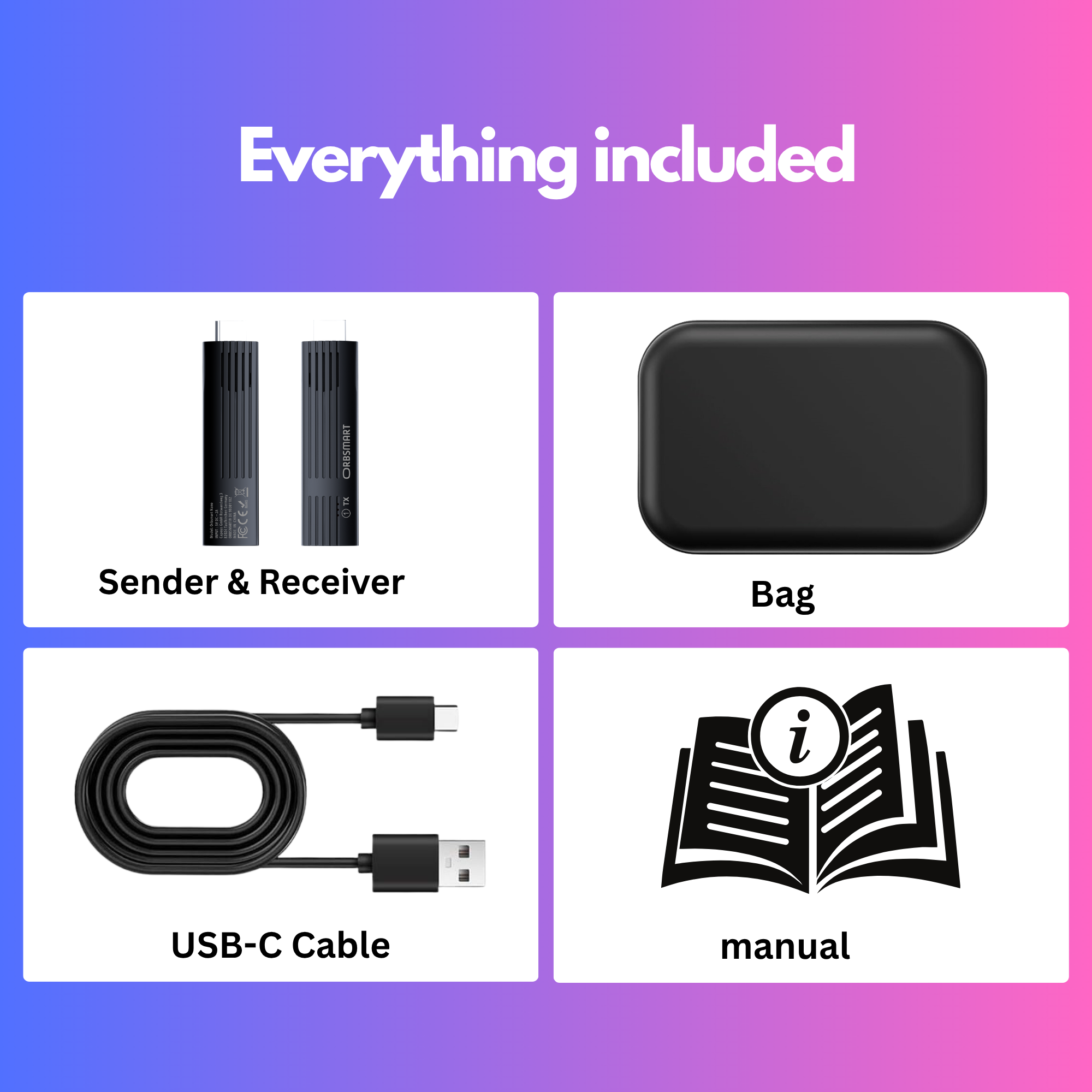
- Power supply: The number 1 error is forgetting the included USB-C cable. The HDMI port itself does not provide power! Plug the USB-C cable into the stick and ideally connect the other end to a dedicated USB wall charger (5V/2A).
- Transmitter/Receiver swapped: Make sure the stick labeled TX (Transmitter) is plugged into the laptop/receiver and the stick labeled RX (Receiver) is connected to the TV or projector.
- Correct HDMI channel: Make sure you have selected the exact HDMI input with your TV remote where the RX stick is plugged in (e.g., HDMI 2).
The picture freezes, stutters, or shows artifacts (connection drops)
- Avoid hiding the receiver (on the TV) directly behind massive metal plates, radiators, or deep inside closed TV cabinets. A short HDMI extension cable can help let the stick "peek out" a bit further.
- Ensure that there are no other strong 5GHz interferers (such as very close WiFi routers or microwaves) in the immediate vicinity of the transmitter or receiver.
- If stuttering primarily occurs during high-resolution action movies, check the power supply again. A weak power adapter can lead to an undersupply of the wireless chips during data peaks.
No sound: The picture is there, but the movie remains silent
The laptop sometimes doesn't automatically "know" that it should now output sound via the HDMI port (to the transmitter). Click the speaker icon in the bottom right of your Windows taskbar. Change the playback device from "Internal Speakers" to the HDMI output (often named after the connected device or "Digital Audio").

