
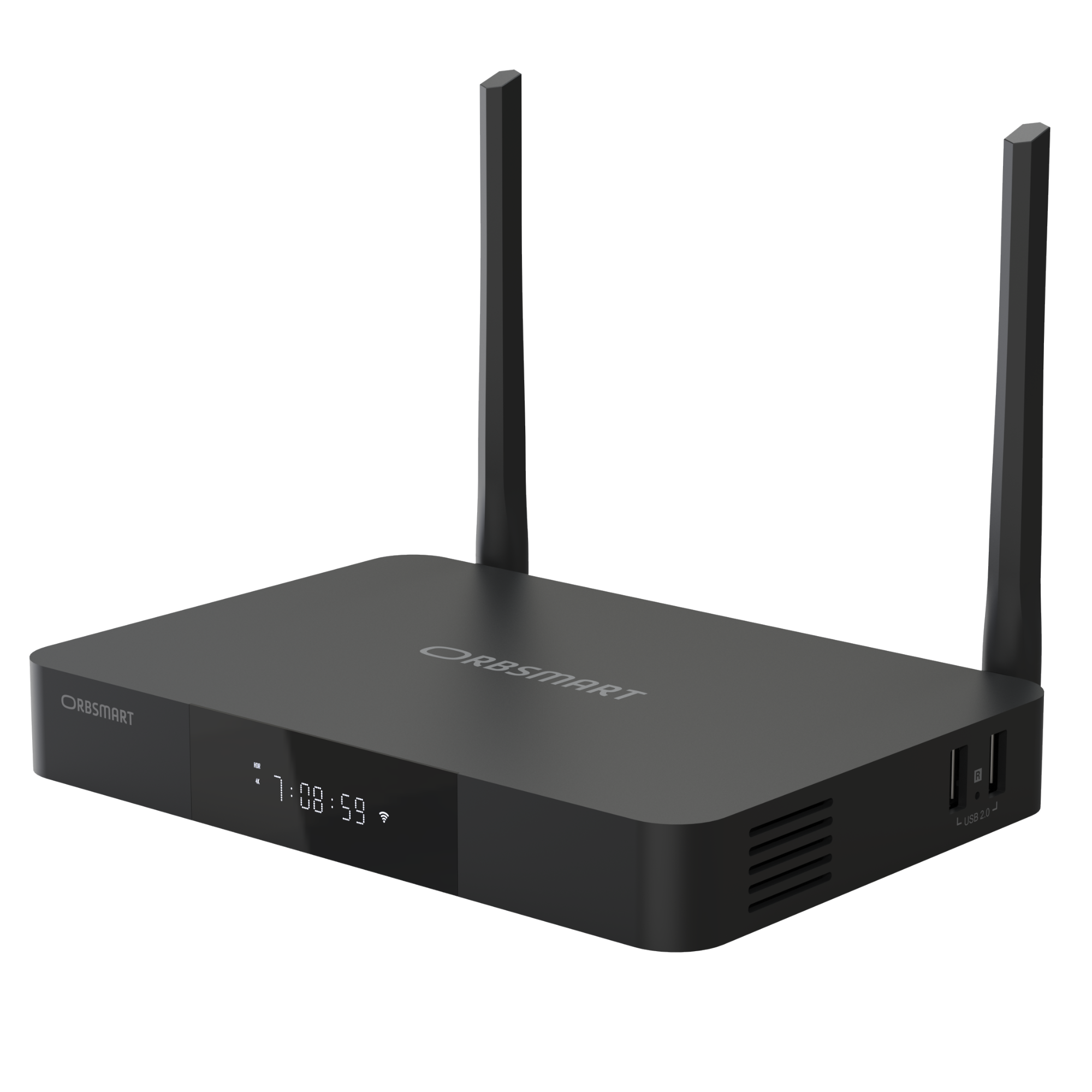
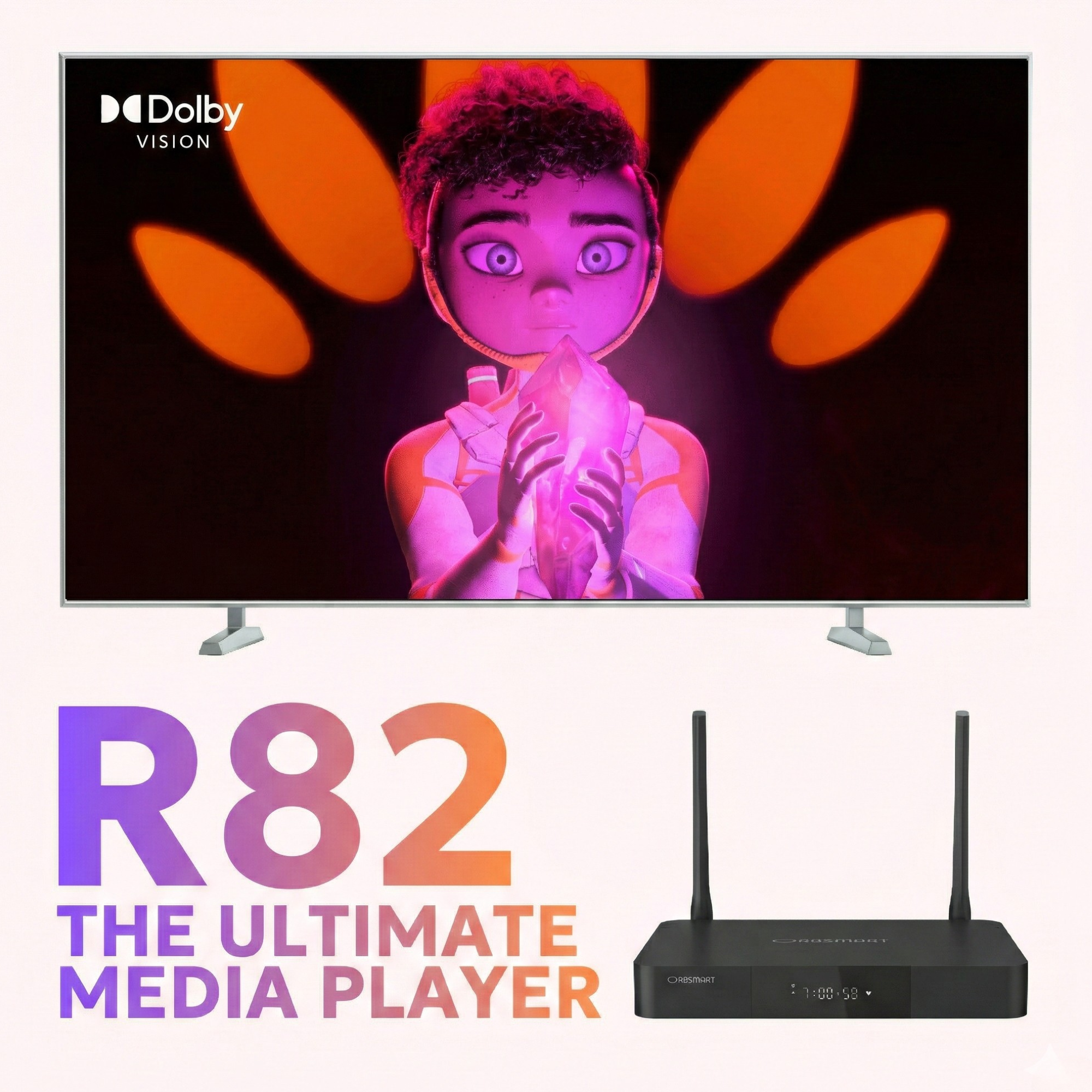
R82
Your movie collection deserves the best. The R82 was developed for true cinephiles: With the powerful Realtek RTD1619BPD processor, you can enjoy your local media in reference quality. Experience Dolby Vision, HDR10+ and lossless HD Audio - packed in a premium aluminum casing.
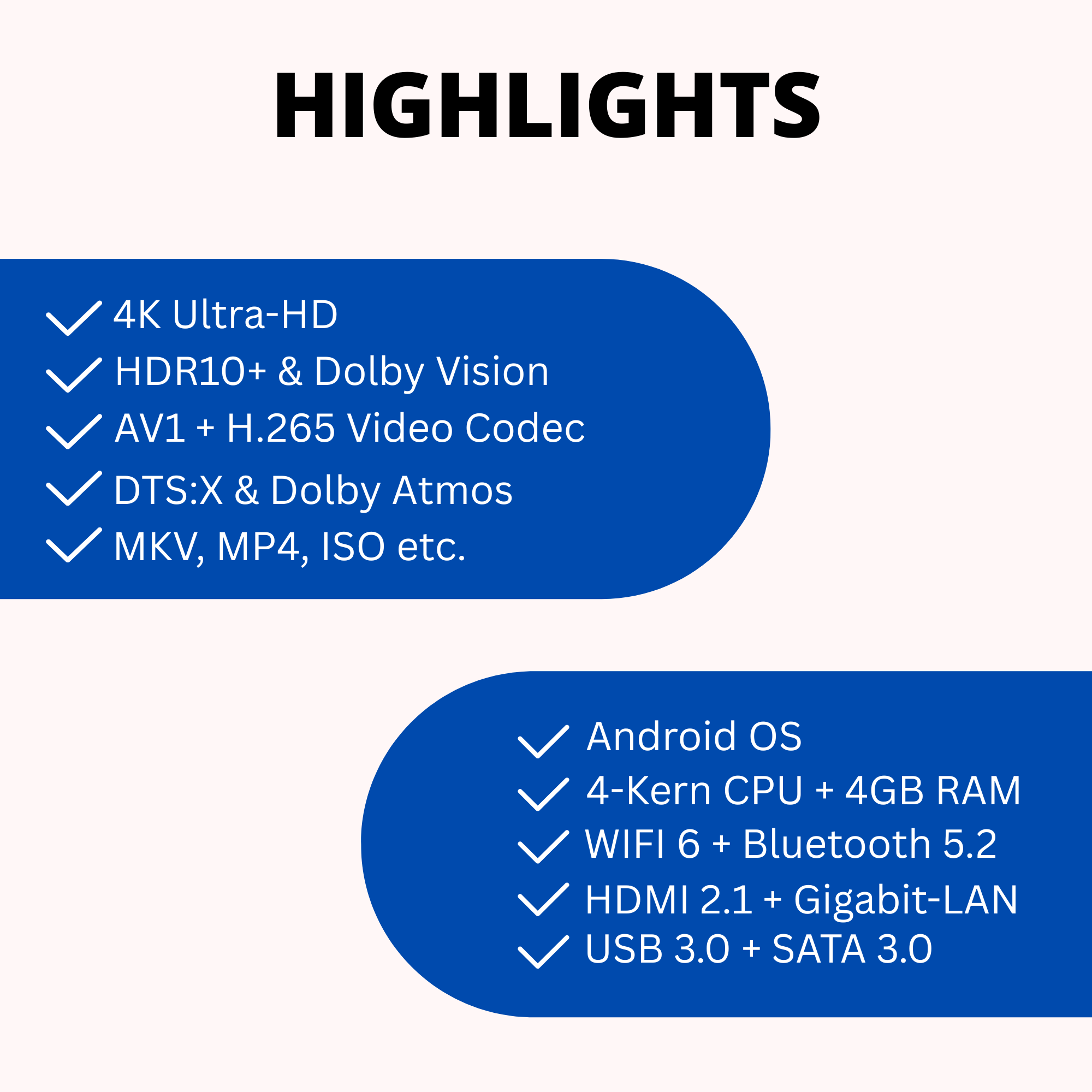
Highlights at a glance

Realtek RTD1619BPD
Specialized in picture and sound quality. The quad-core processor ensures smooth 4K playback and the best image processing.

Dolby Vision VS10
Experience movies with an extended color gamut and dynamic metadata. The VS10 engine also optimizes SDR content.

Strong Connection
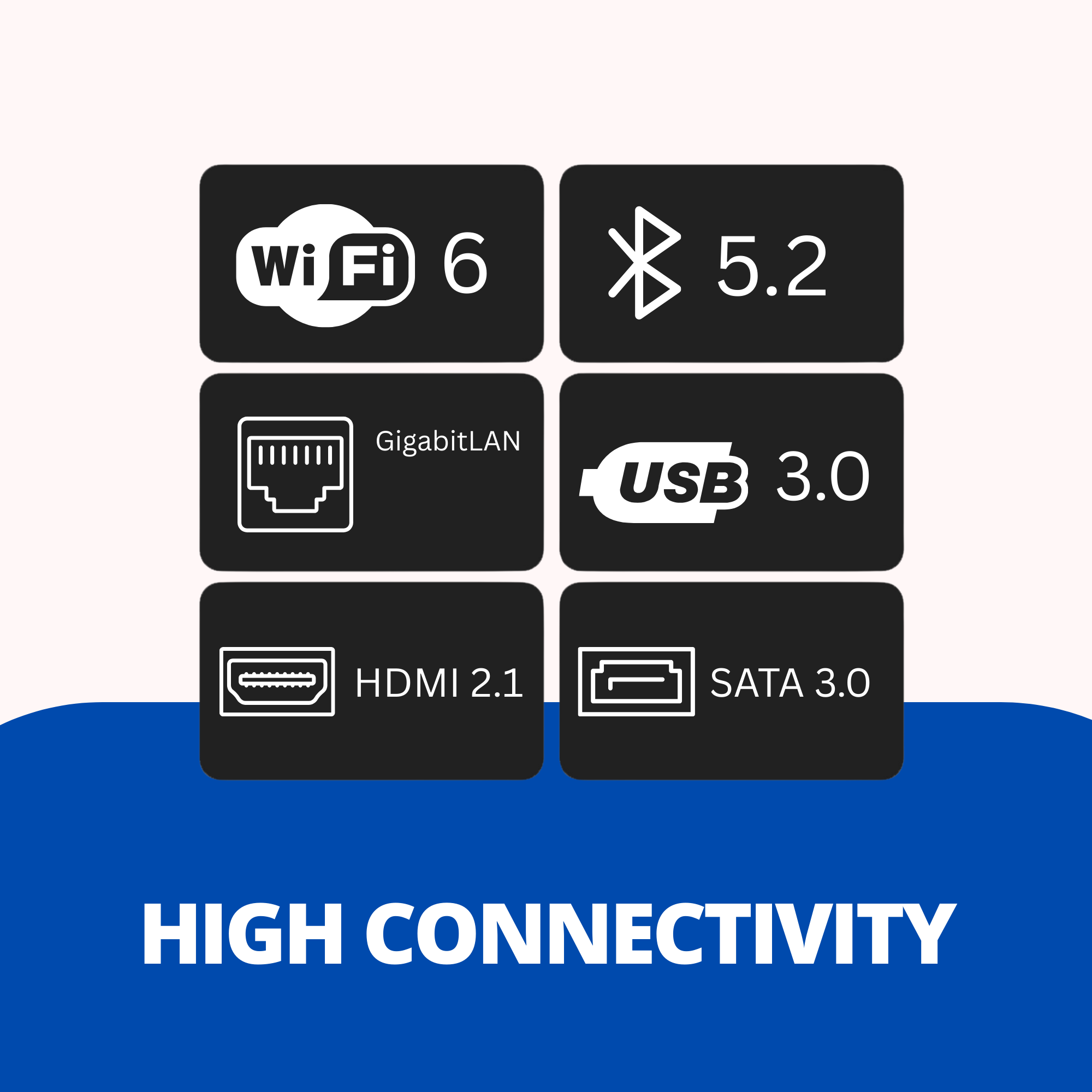
Whether via fast WiFi 6 (AX) or wired Gigabit LAN – your high-bitrate movies stream without stuttering.
A processor for perfect picture quality
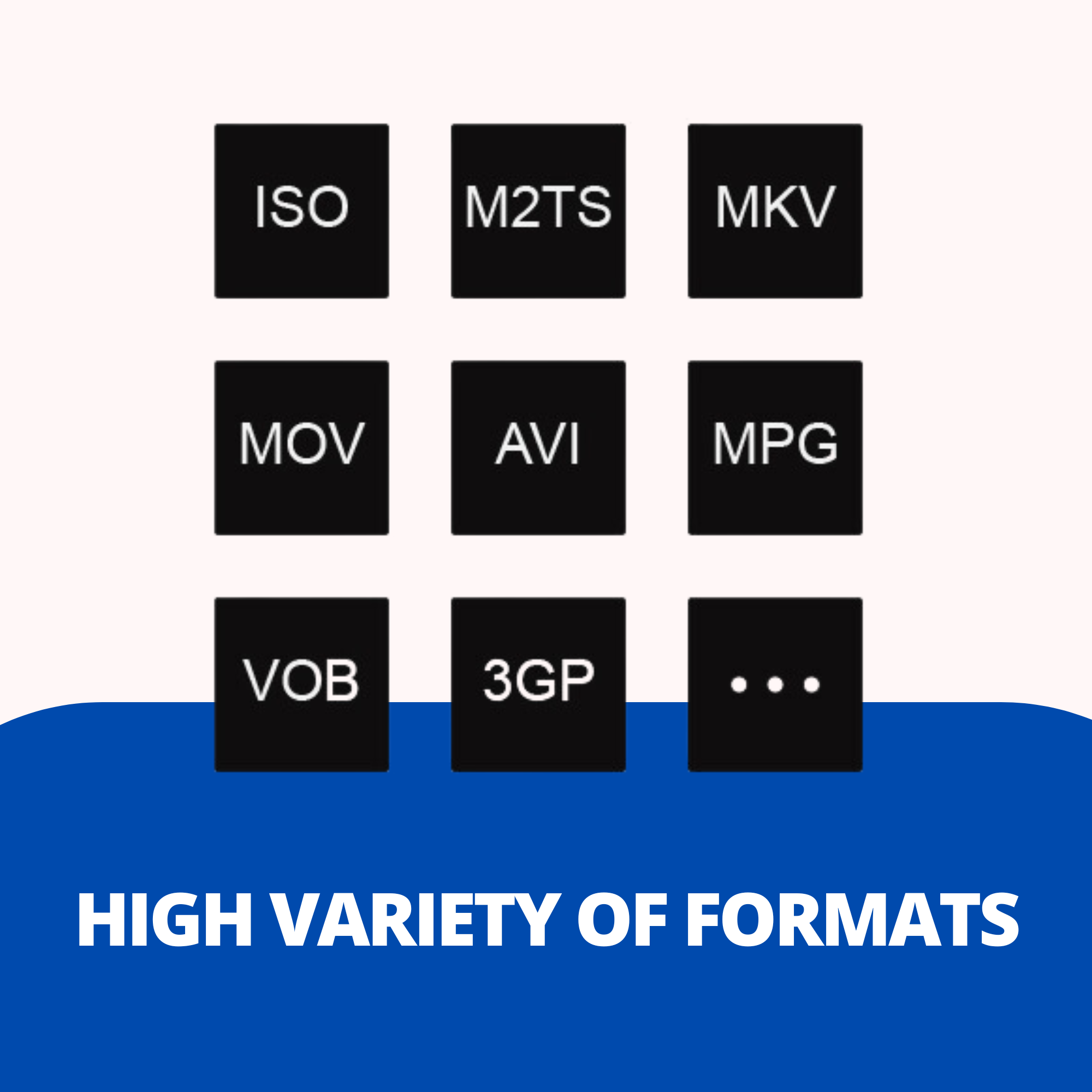
At the heart of the R82 is the Realtek RTD1619BPD. Unlike standard chipsets, this is specifically optimized for media playback. It not only guarantees support for all common formats (incl. Blu-ray ISOs) but also delivers a razor-sharp, natural picture thanks to advanced image enhancement technologies.

Dolby Vision & HDR10+
See more details than ever before. The R82 supports the dynamic HDR standards Dolby Vision and HDR10+. Brightness and contrast are adjusted scene by scene, resulting in an incredibly vibrant and realistic viewing experience - especially on OLED TVs.

Dolby Atmos and DTS:X
Sound is half the experience. The R82 passes all modern 3D sound formats like Dolby Atmos, DTS:X, and Auro-3D losslessly via HDMI to your AV receiver (passthrough). Immerse yourself in an immersive soundscape, just like in the cinema.
Flexible Android System
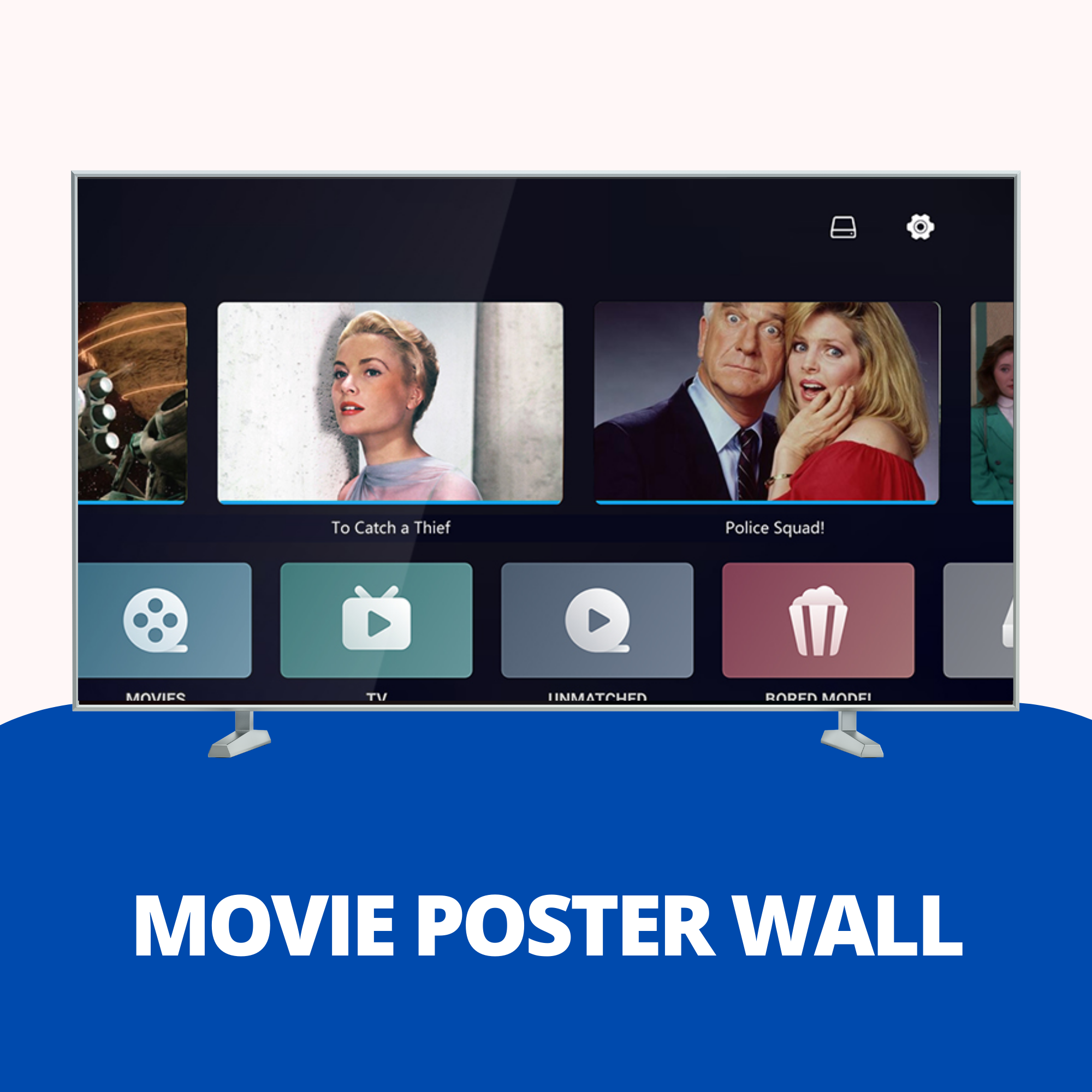
A stable Android operating system serves as the foundation. The user interface is optimized for remote control use and provides access to powerful media center apps like the pre-installed 'Home Theater' (with cover view) or KODI/ZDMC.
WIFI 6 and Bluetooth 5.2
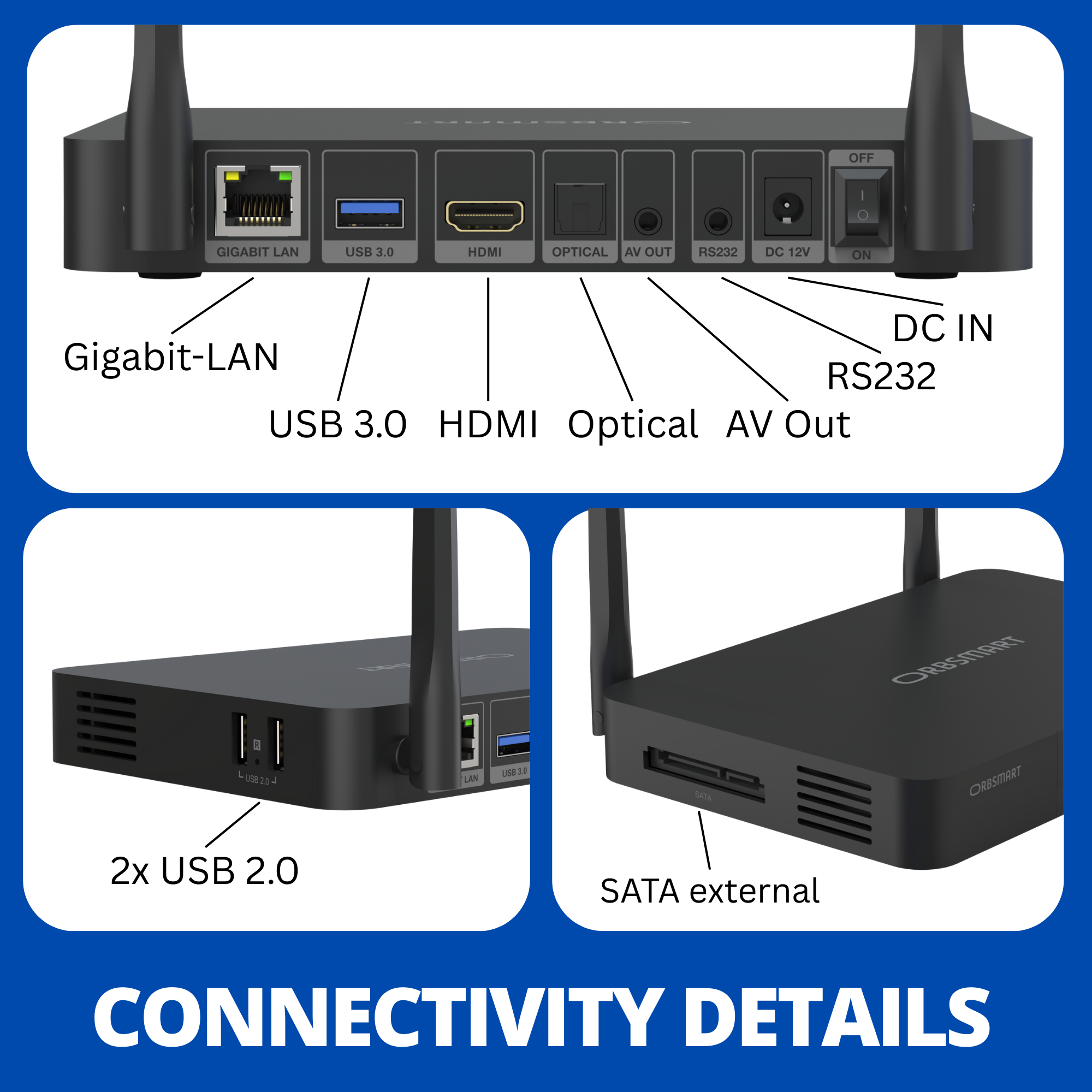
No compromises in transmission. With the integrated WiFi 6 module (2R2T) and an external antenna, the R82 achieves extremely high data rates - ideal for streaming NAS content. Headphones or soundbars can be connected wirelessly via Bluetooth 5.2.
Illuminated Premium Remote
The high-quality remote control fits perfectly in your hand and, thanks to the backlight, offers full control even in a dark home cinema. With the programmable buttons, you can also control basic functions of your TV directly.

Technical Specifications
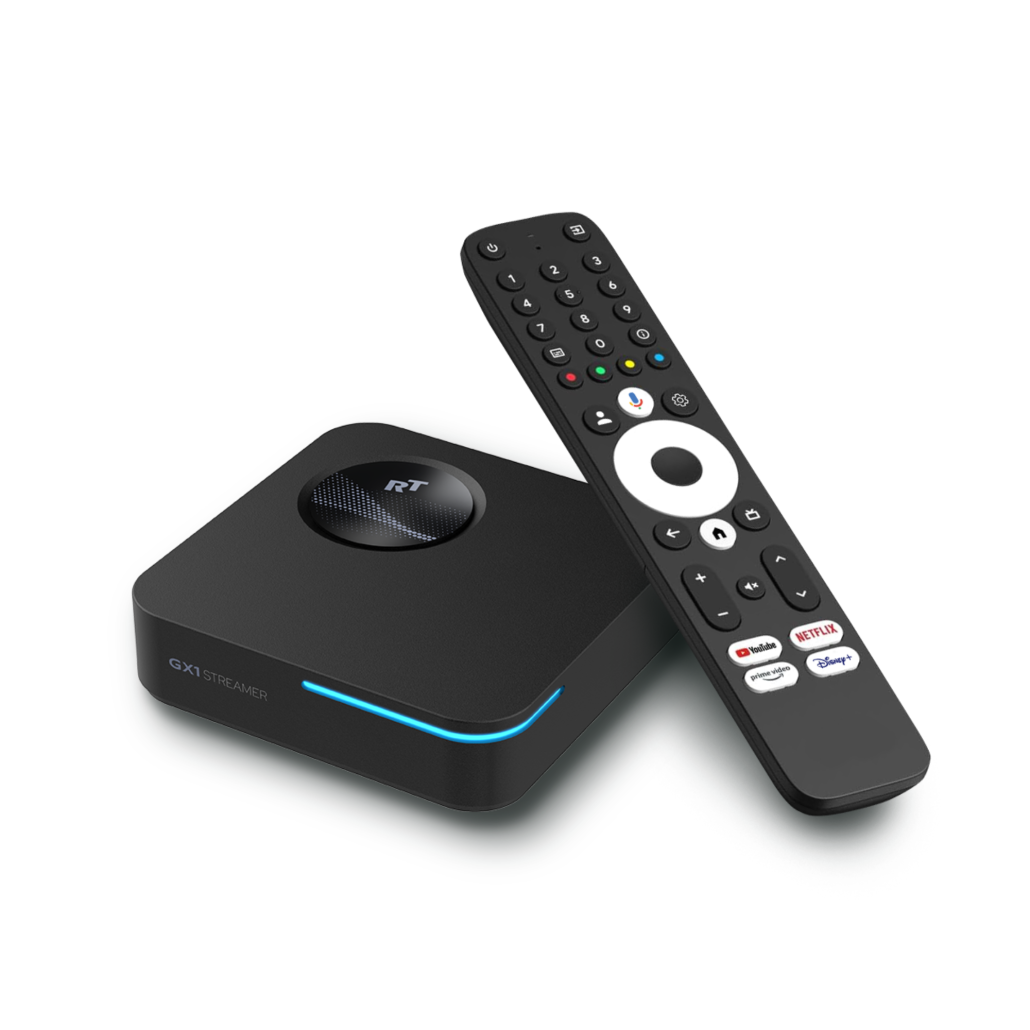
The R82 is optimized for playing your own local media. It is not a certified streaming player. Apps like Netflix or Disney+ usually only run in SD quality. If your focus is on streaming, we recommend our Google-certified models.
Our recommendation for streaming:

Buying Guide & Pre-Sales Questions
Can I connect a hard drive?
Are Blu-ray menus supported?
Does the player support 3D movies?
Can I install Android Apps (APK)?
Can I also play movies over my network (NAS)?
Troubleshooting & Knowledge Base
Help with settings and technical problems. Solutions directly from our technicians.
USB hard drive: Error message "Access denied"
- For playing movies, primarily use the pre-installed "Media Center" app. This has the necessary system permissions out of the box.
- Third-party apps (e.g. Kodi, VLC): If you want to use other apps, you must grant access manually under: Settings → Apps → Special app access → All files access.
Screen remains black when starting a movie or the device crashes
Go to the main menu under Settings → Audio → HDMI Audio. Change the setting from "Auto" to "RAW" (Passthrough) here. If the device has already crashed, restart it and then make the setting.
Picture stuttering on 4K movies with Dolby TrueHD / Atmos
As a test, switch to an alternative audio track (e.g. standard Dolby Digital 5.1 or DTS) to relieve the data stream. If this does not help, we recommend remuxing the file on the PC using free programs like "MKVToolNix" to clean up the file structure.
The menu or photos look blurry (not native 4K)
- Movies: Use a direct hardware path and are guaranteed to be output pixel-perfect in native 4K. (Verifiable via the info button on your TV remote while the movie is playing).
- Menu & Photos: The Android user interface (and thus the photo display) is hard-coded into the chip architecture to be limited to 1080p (Full HD). Even if you manually force the HDMI output to 4K in the settings, the internally calculated 1080p image is simply upscaled.
Manually installed apps (APK) are missing from the home screen
You can launch the app at any time by navigating to Settings → Apps → See all apps and opening it from there. Alternatively, you can install a "Shortcut Maker" from the Play Store to force shortcuts onto the home screen.
NAS or network share (SMB) is not found automatically
Go to "Network" (SMB) in the Media Center and select the option to add manually. Enter the IP address of your NAS or PC directly there (e.g. 192.168.178.50) as well as your username and password. The R82 will then connect immediately via the newer and secure SMBv2/v3 protocol.
Streaming apps (Netflix, Prime Video, Disney+) are missing or only run in SD
Downloaded apps cannot be controlled
TV does not switch to 3D mode / stuttering when starting a movie
Go to Settings → Playback → Frame Rate Mode and strictly select "Switch frame rate and resolution" here.
AV receiver does not show Dolby Atmos / HD audio for audio files (MKA)
Simply change the file extension of your Atmos audio file on your computer from .mka to .mkv. By doing this, you force the system to use the powerful video engine. This loops the HD audio signal unchanged (bitstream) through to your amplifier.
Why can't the "Poster Wall" find any covers anymore?
- Download the updated app here: Poster_RTD1619B_v4.3.52.apk
- Copy the file to a USB stick and connect it to the R82.
- Open the "Media Center" (file manager) on the R82, select the USB stick and click on the APK file.
- Select "Install" or "Update". Restart the app afterwards.

