
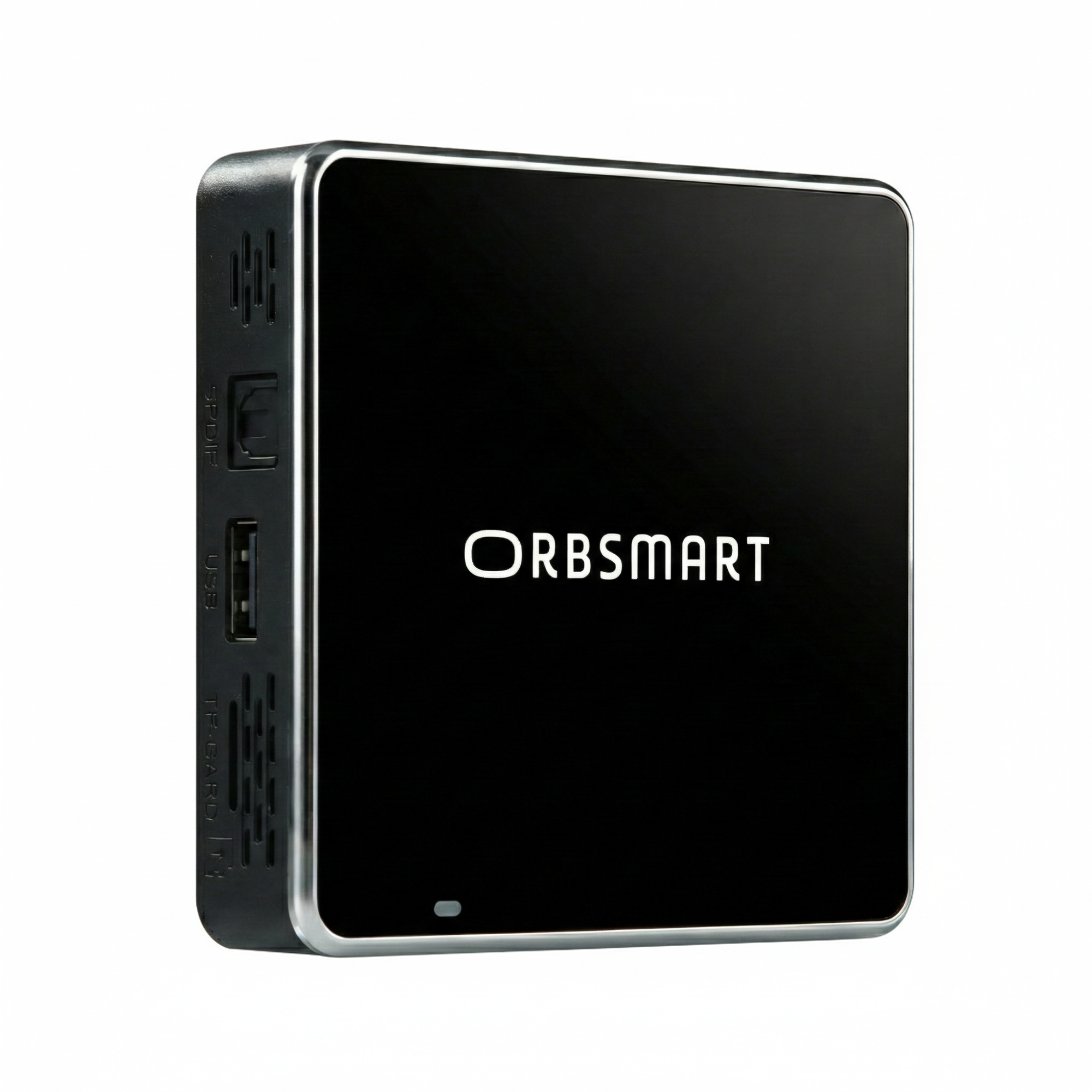
S89L
Performance redefined. The S89L uses the brand-new Amlogic S905X5M processor for maximum efficiency. Experience open Android 14 without restrictions: Ideal for your own apps, local media playback (AV1 support), or custom projects. Includes air mouse for comfortable control.
Highlights at a glance
S905X5M Power
The new 6nm quad-core processor (Amlogic) offers significantly more performance with minimal power consumption.

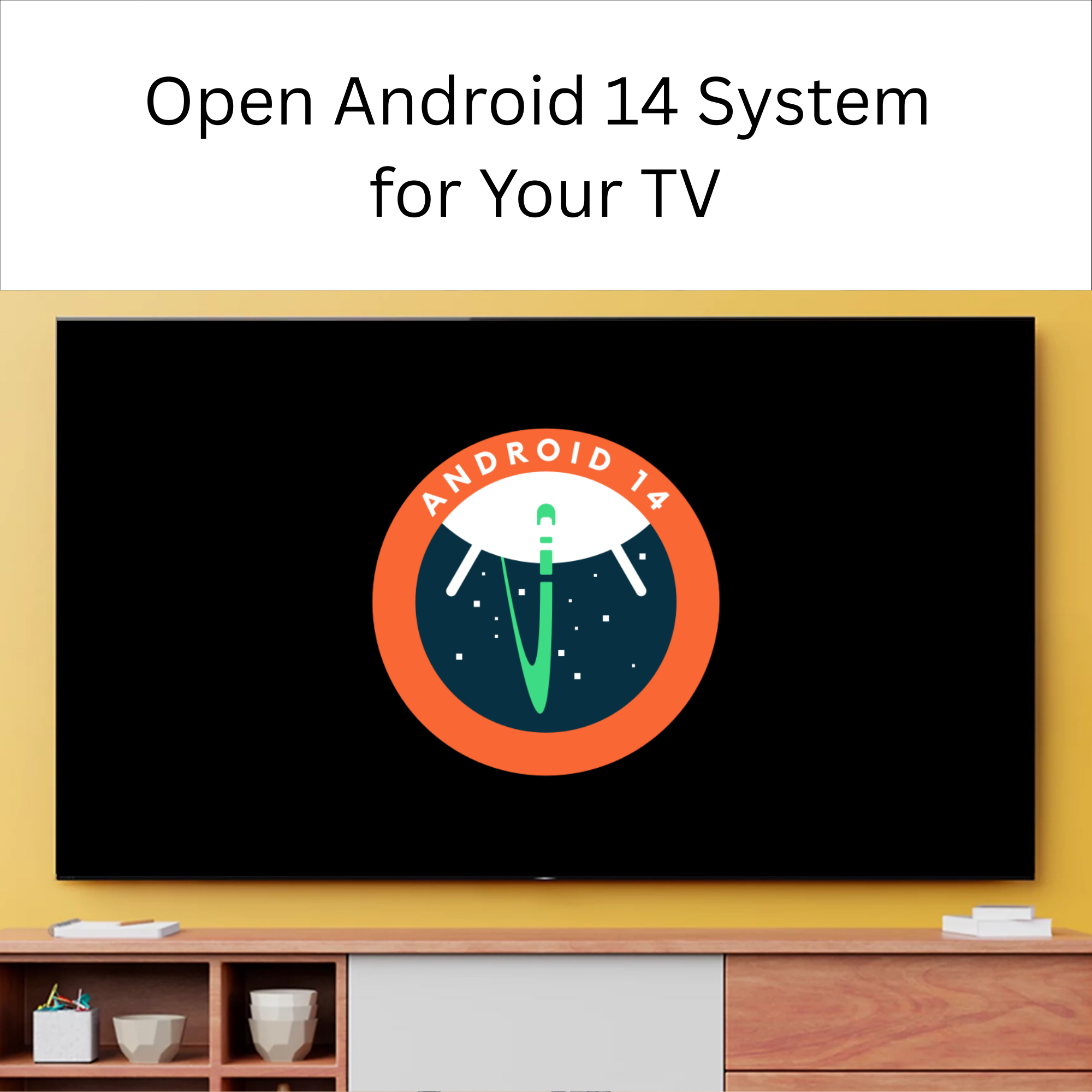
Open Android 14
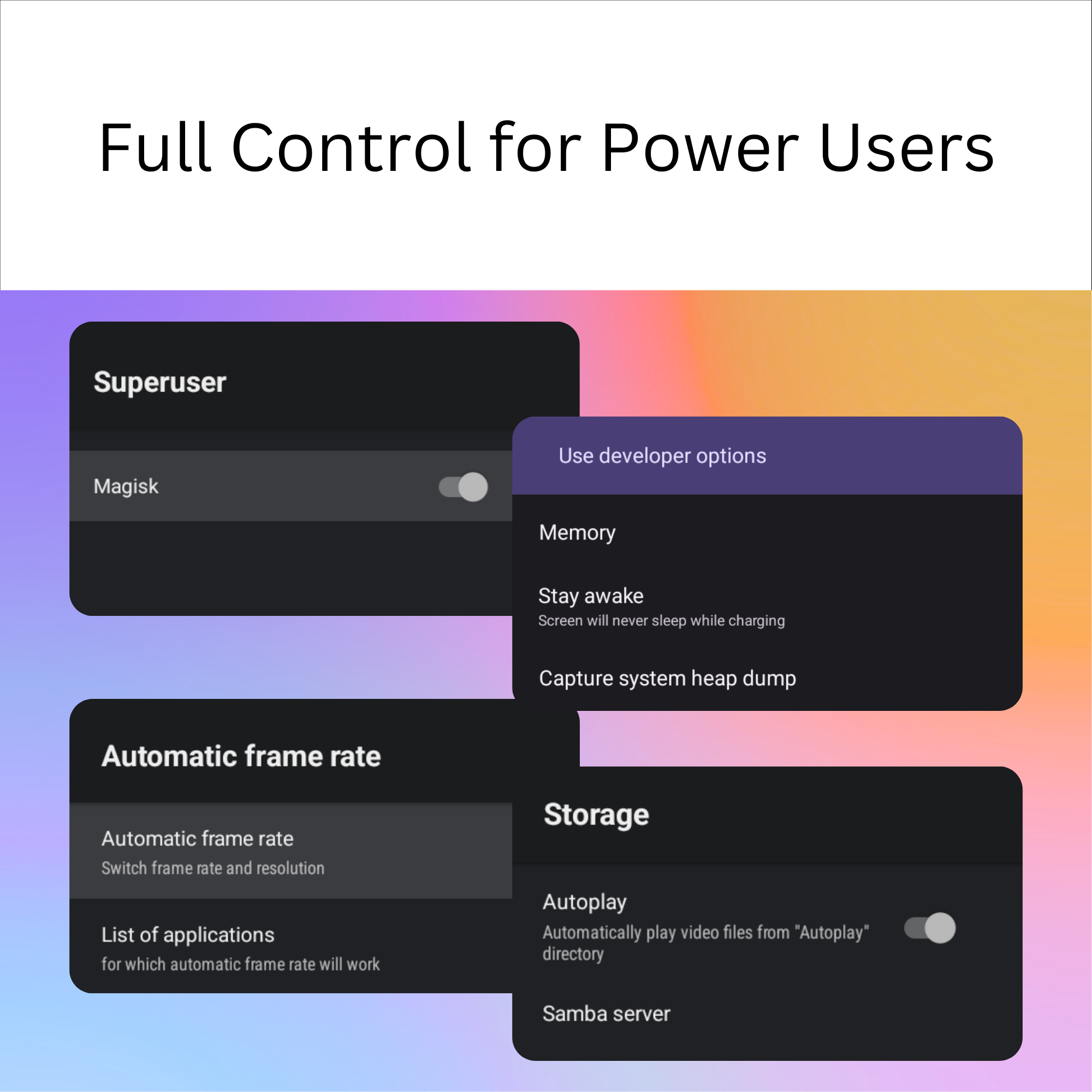
Maximum freedom: Install apps directly as APKs. Root access can be easily activated via a switch.

High-Speed Connect
With WiFi 6 (MIMO), Gigabit LAN, and Bluetooth 5.4, you are future-proof and connected at lightning speed.
Full-featured Android 14
The S89L relies on an open Android 14 operating system. For you, this means: no artificial restrictions. Install your favorite tablet or smartphone apps, use alternative launchers, or run specialized business software directly on the big screen. A root switch is integrated.
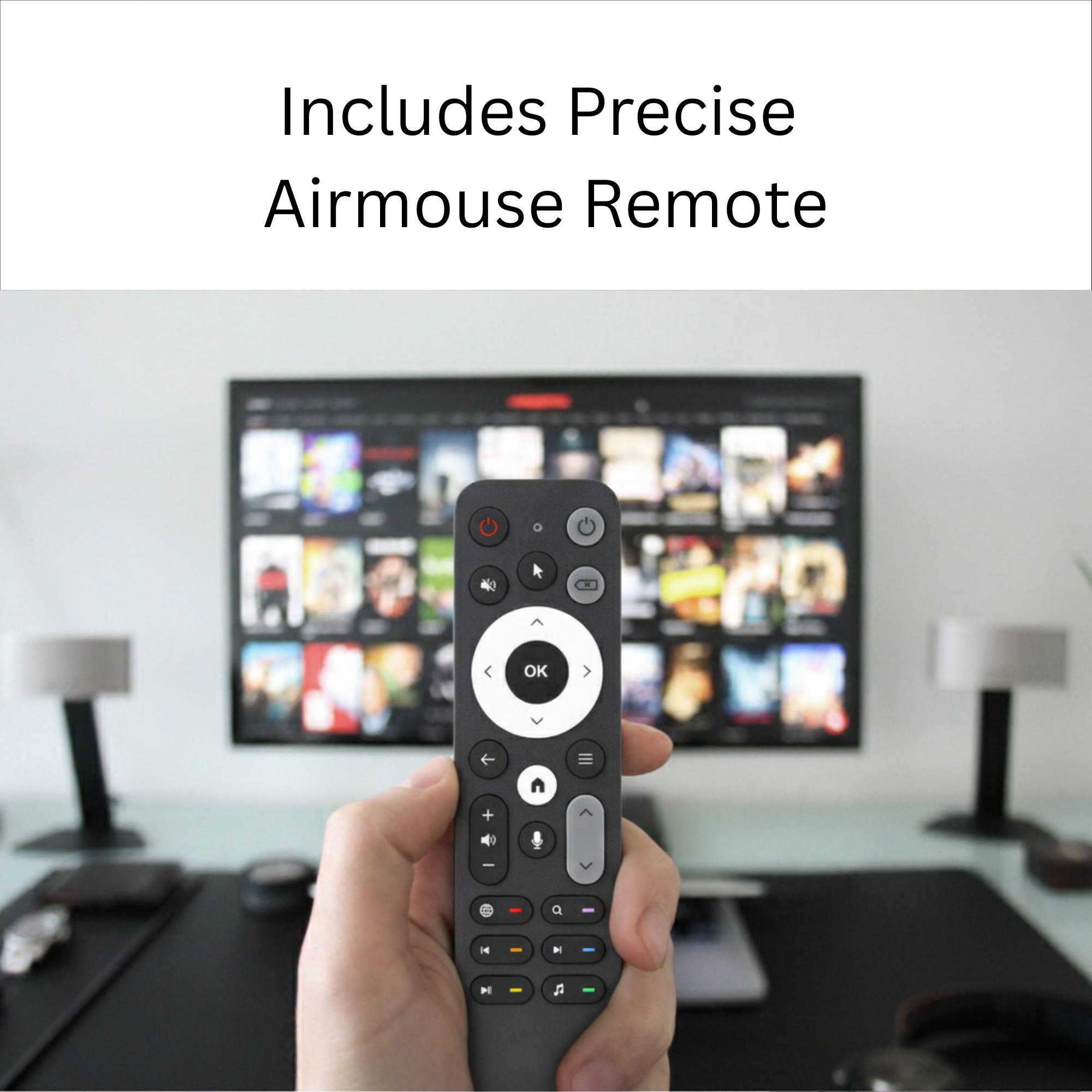
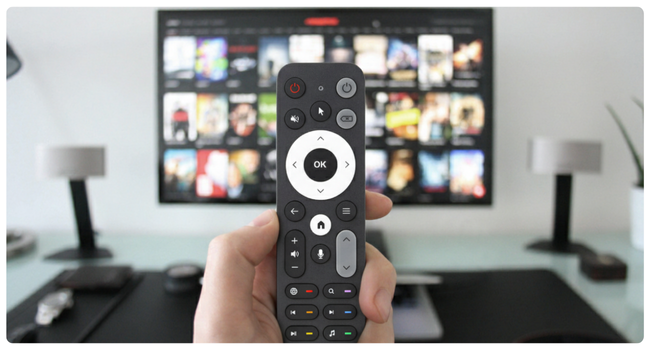
Air mouse remote included
End tedious navigation. The high-quality air mouse is already included in the box. Simply move the mouse pointer on the screen intuitively through hand movements in the air - this allows you to precisely and comfortably control apps designed for touchscreens.
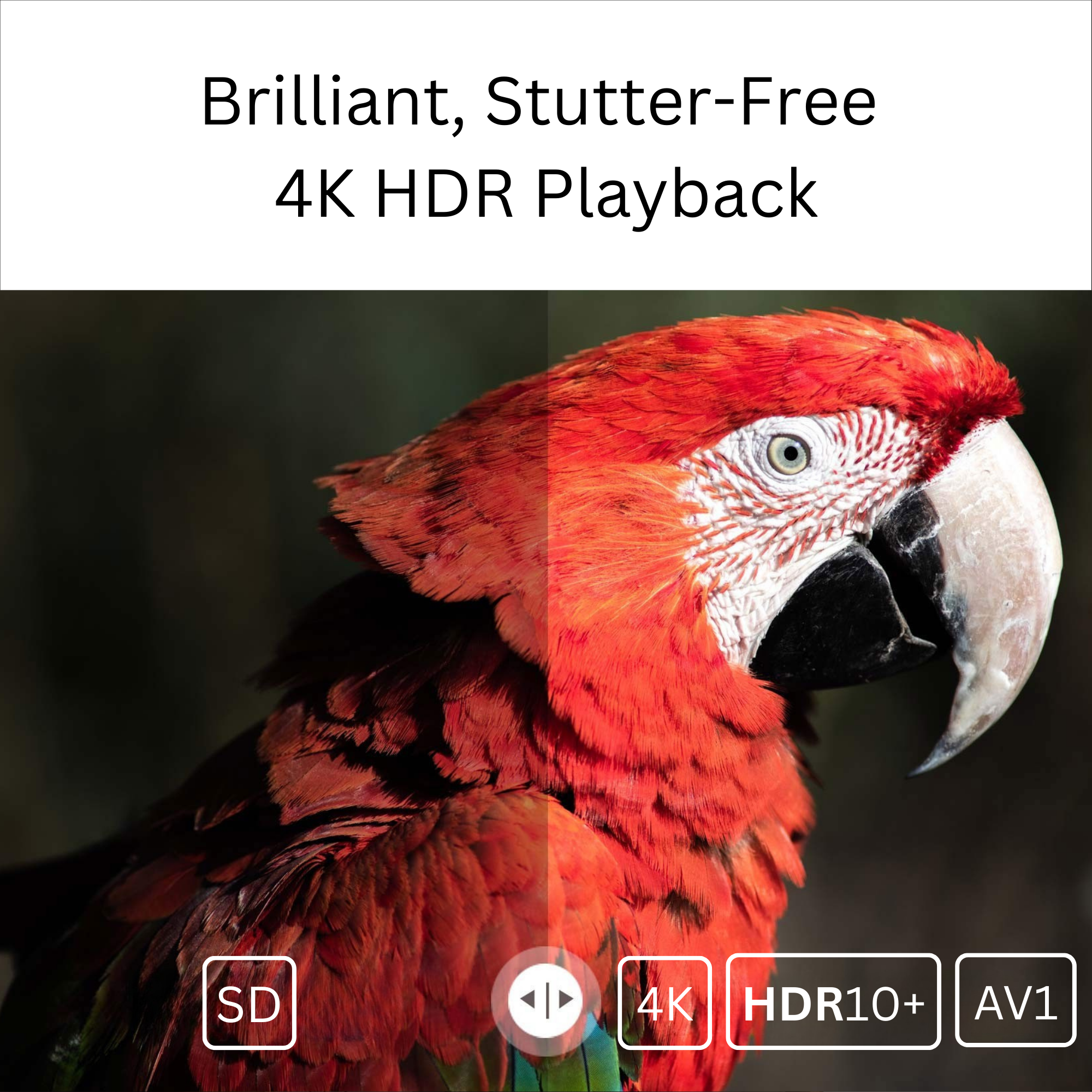
Brilliant 4K playback (AV1)
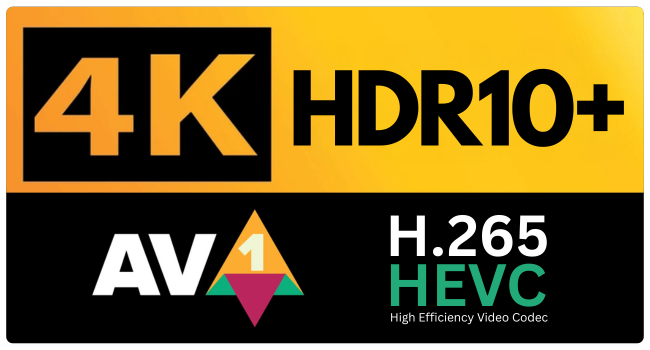
Experience media in razor-sharp 4K Ultra HD resolution (HDMI 2.1b). The S89L supports cutting-edge codecs like AV1, HDR10+, and H.265. In addition, automatic framerate matching (AFRd) ensures smooth playback by precisely adjusting the TV's refresh rate to match the content.
Connectivity without compromise
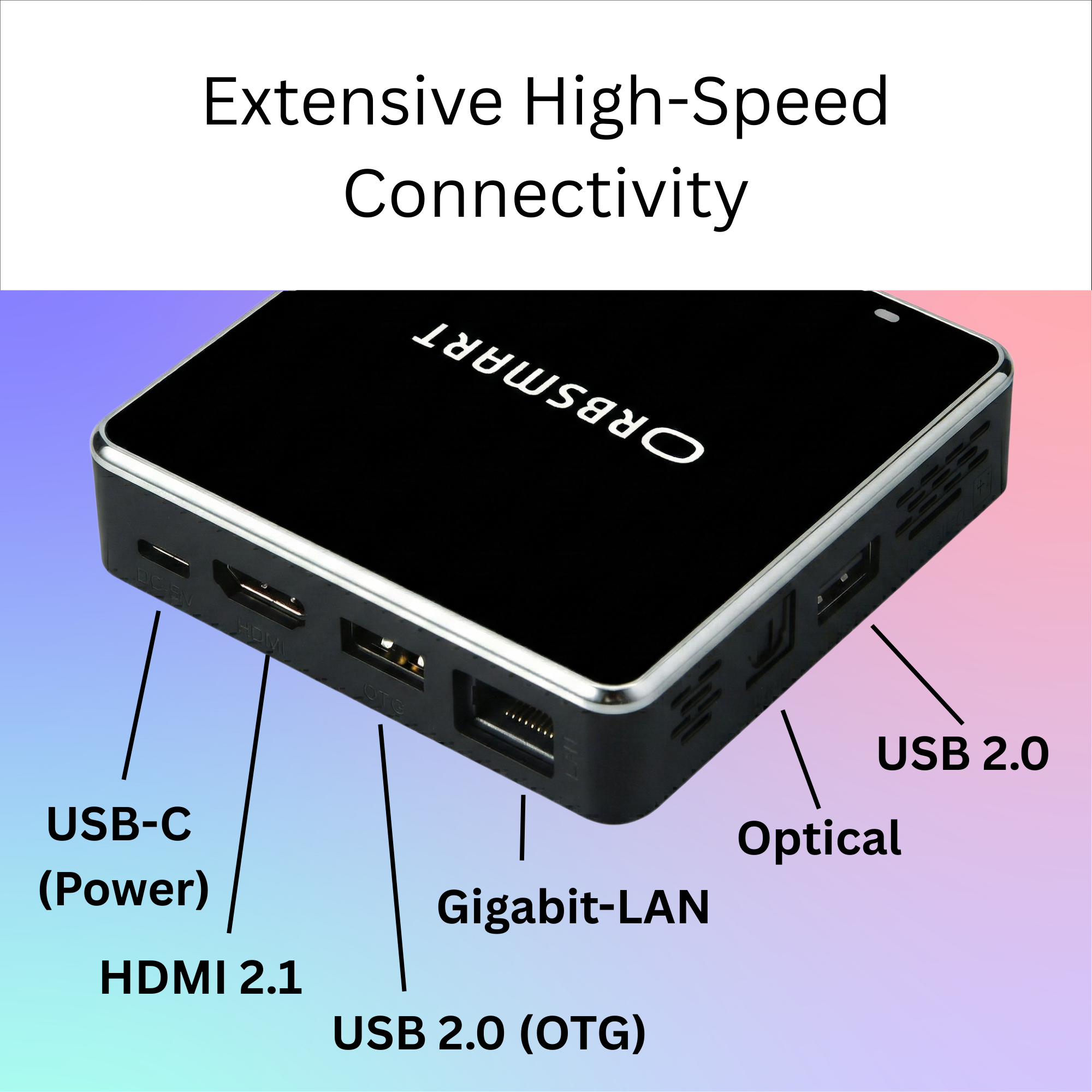
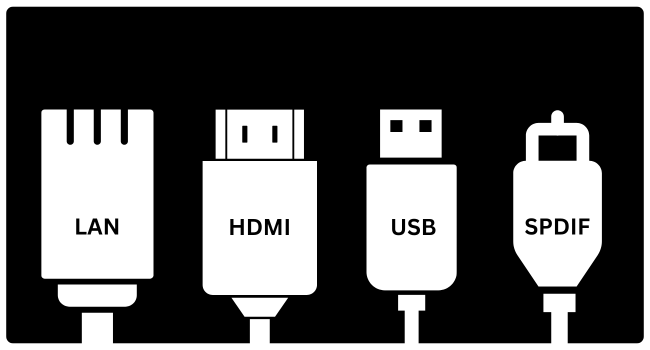
Despite its extremely compact casing (only 88mm wide), you don't have to sacrifice anything. In addition to USB ports, the S89L offers a microSD slot (up to 128GB), an optical audio output (S/PDIF), and a stable Gigabit LAN port for fast network applications.
Full control & auto-start
The S89L offers features for professionals and integrators: The built-in root switch provides deep system access at the push of a button. Features like auto-start (automatic boot upon power supply) and extensive customization options make it highly versatile.

More than just movies: Gaming and apps
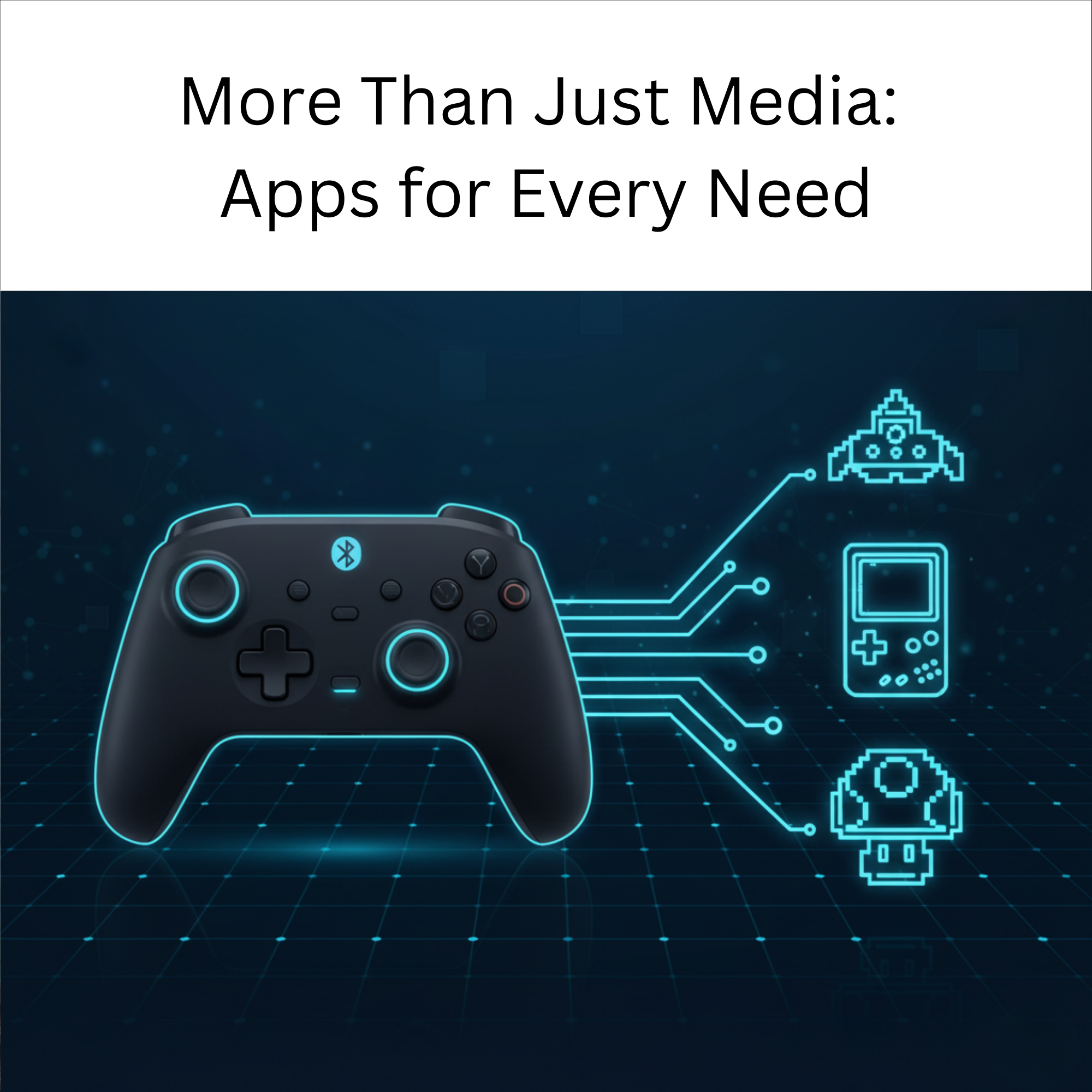
Harness the power of the fast 4GB LPDDR4 memory and the Mali-G310 GPU. Games, emulators, and office apps also run smoothly. Turn any monitor into a versatile smart station.
Technical Specifications
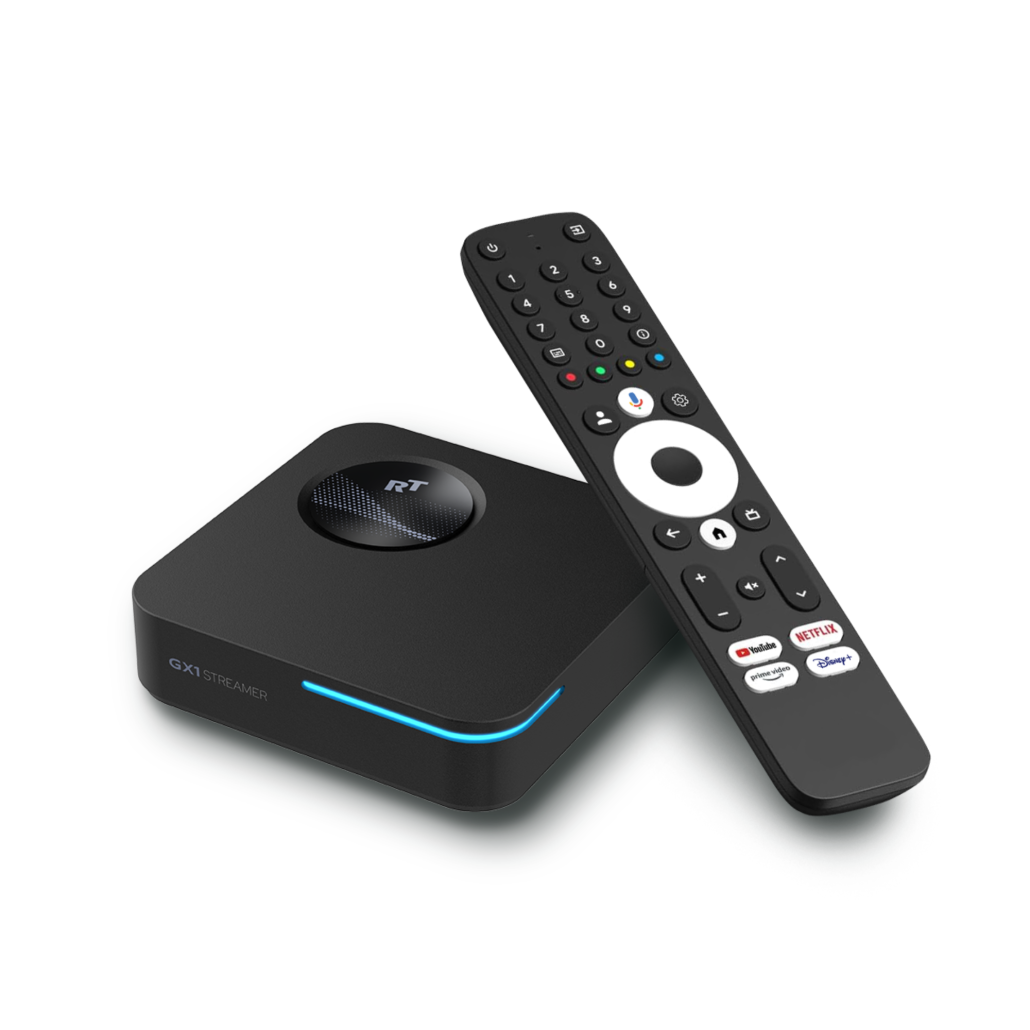
The Orbsmart S89L is an open Android PC, but not a certified streaming player. Apps like Netflix, Prime Video, or Disney+ usually only run in SD quality because corresponding provider agreements are missing.
Our recommendation for 4K streaming:

Buying Guide & Pre-Sales Questions
Does the box start automatically when powered on?
Is the Google Play Store installed?
Can the navigation and status bar be displayed?
What does "Root switch" mean?
Is the storage expandable?
Is a Google account strictly necessary?
Is a 4K resolution also available in apps and the web browser?
Troubleshooting & Knowledge Base
Help with settings and technical problems. Solutions directly from our technicians.
The S89L turns on or off by itself. How can I prevent this?
- In the menu, go to Settings → Inputs & Devices → HDMI CEC.
- Disable the options for automatic power on and off (e.g. "Auto power on" / "Auto power off") or turn off the CEC switch completely if you want to control the devices strictly separately.
The picture stutters during movies (Judder / double contours). What can I do?
- Go to Settings → Display & Sound → Automatic frame rate.
- Activate the Switch Frame Rate and resolution function there. The system will now automatically switch to the correct refresh rate of the respective movie.
The picture looks overexposed (bright faces) or the background is pixelated.
- Go to Settings → Display & Sound → Advanced display settings.
- As a test, set the Color Mode to "RGB" or "YCbCr".
- Change the preferred dynamic range from "Match content dynamic range" to "System preferred conversion" (or test "Force conversion").
- Restart the device afterwards.
Can I use this device as a digital signage player?
For specialized, maintenance-free 24/7 applications with advanced hardware features (like Kiosk Mode, native hardware portrait rotation, or automatic video loop playback from a USB stick), we recommend our dedicated Orbsmart DS Player.
Can a specific app start automatically after booting (Auto-start)?
How do I install and activate another launcher (home screen)?
- Download your desired launcher (e.g. Nova Launcher, Wolf Launcher) via the Google Play Store.
- Then go to Settings → Apps → Default apps → Home app.
- Select your newly installed launcher there. From now on, the device will always start with the new interface.
Why doesn't MS Teams or Google Meet recognize my USB microphone?
The most proven and stable method for video conferences with USB peripherals on open Android boxes is using Teams or Meet directly via the web browser (e.g. Chrome or Edge in desktop mode). Unlike the app, the browser usually accesses the USB drivers provided by Android completely without problems.
My WiFi connection is extremely slow or drops right after booting. What can I do?
- Separate networks (Recommended): Give the 2.4 GHz and 5 GHz networks different names (SSIDs) in your router settings. Then connect the device specifically to the faster 5 GHz network.
- Adjust WiFi standard (Workaround for 2.4 GHz): If drops still occur in the 2.4 GHz network despite separation, there is often an incompatibility with the router's "802.11 b/g/n mixed mode". In this case, change the WiFi standard in the router for the 2.4 GHz network to "802.11 b/g" (without the n standard).
My Bluetooth keyboard or air mouse responds with a heavy delay. What helps?
Connect the S89L to your 5 GHz WiFi or via LAN cable if possible. In addition, as a test, remove all USB 3.0 devices (like fast external hard drives or sticks) that are plugged directly into the box, as their frequencies can massively disrupt Bluetooth reception.

